Eight questions. One panel.
Each area starts with the question you are asking the app right now. Below it: what FrontTailor answers and from which edition. SAPUI5 and OpenUI5 from 1.71 to 2.x1, freestyle, Fiori elements V2 and V4, launchpad and standalone apps.
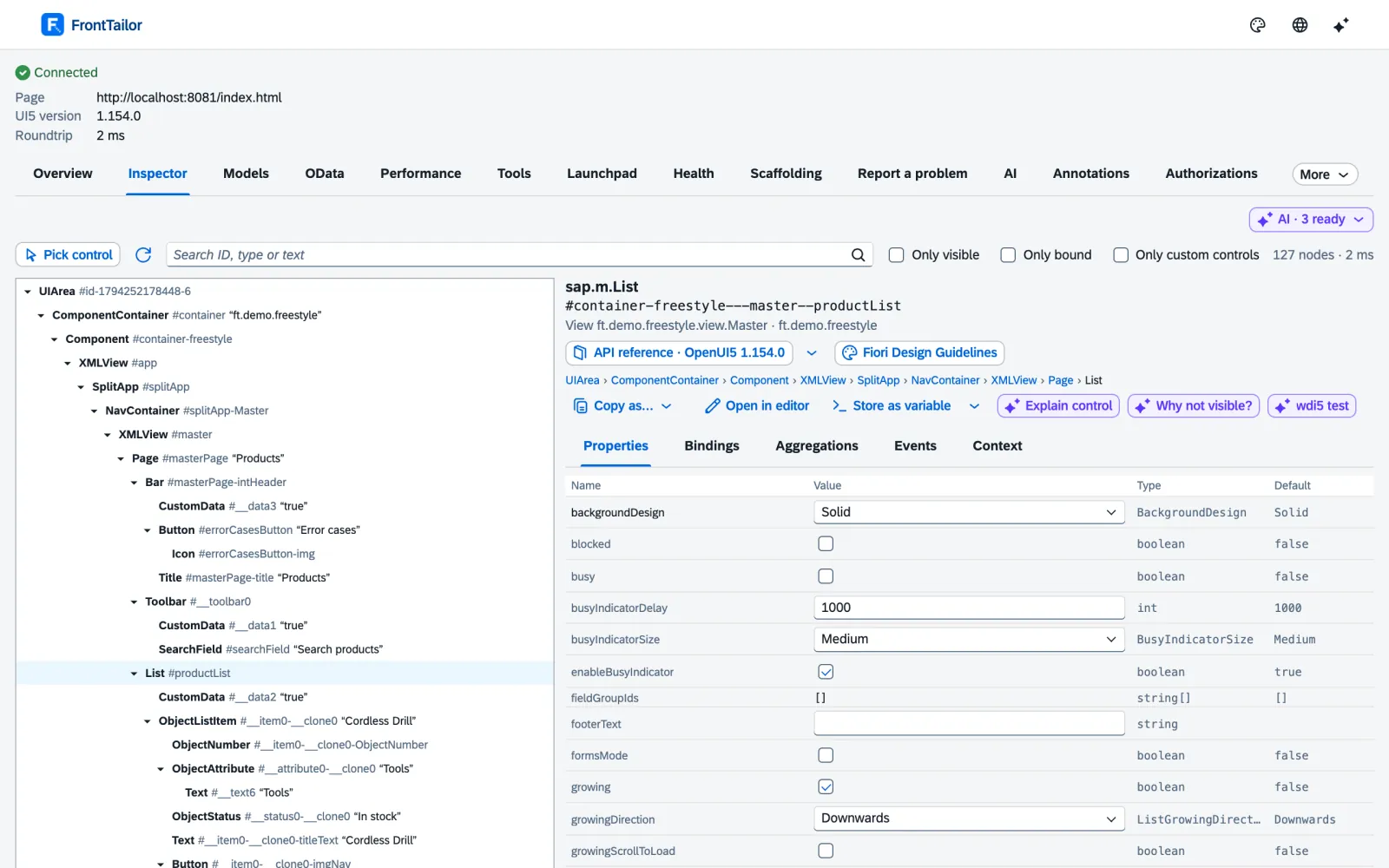
Which control is behind this pixel – and where does its value come from?
System info & traffic-light badge2
UI5 version, theme, language, launchpad flavour, app type and data sources with backend type, without setup. The icon shows green, yellow with an error count or red for PROD.
Control inspector3
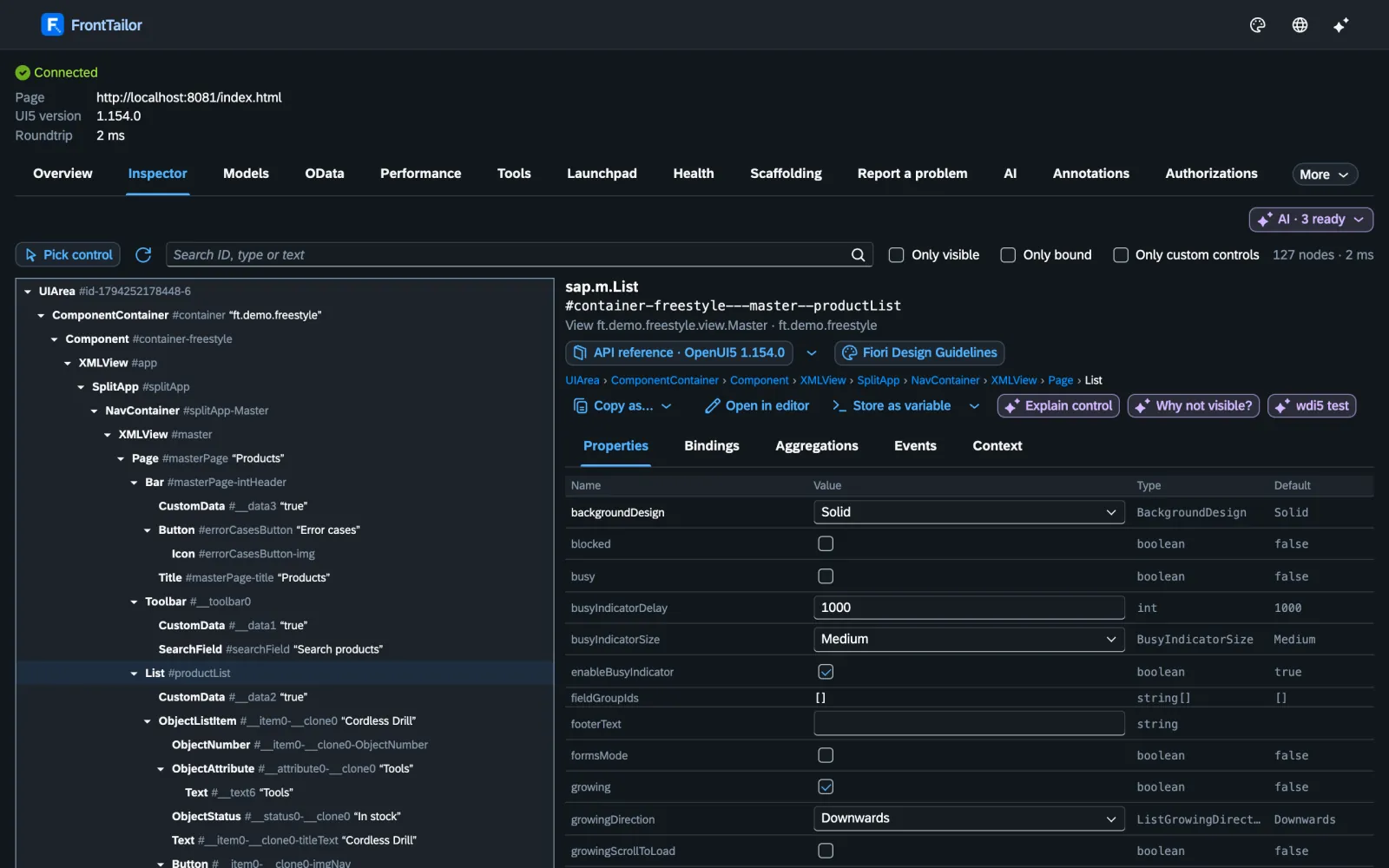
Pick mode with Alt+Shift+F, tree, properties, bindings and contexts. “Copy as” ID, OPA5, wdi5, Playwright or XML; change properties live, locked on PROD.
Model explorer4
JSON, OData V2/V4, resource and device models as a tree, before/after snapshot and diff, i18n lookup with all languages.
App state bookmarks5
Remember route, filters, variant and tab; after a reload one click takes you back to the bug. Team bookmarks in Team.
Tools & developer comfort6
Cache reset, debug switches, URL presets, “debug own code only” and “open in editor”.
Command palette with favourites6
Alt+Shift+K opens a search across all commands, with favourites and the last ten commands.
Switch the app language7
The app’s languages, more SAP languages and the SAP test languages, RTL included. Reloading with a language also works on PROD; switching without a reload is locked there.
Flex check & personalisation reset8
See changes per layer, reset only your own USER layer – with double confirmation, locked on PROD.
UI5 version from the SAP CDN9
Test the app with another UI5 version in exactly one tab, without a deployment. Locked on PROD.
Need help with this? Hands-on workshops on SAPUI5, Fiori elements, OData and CAP →
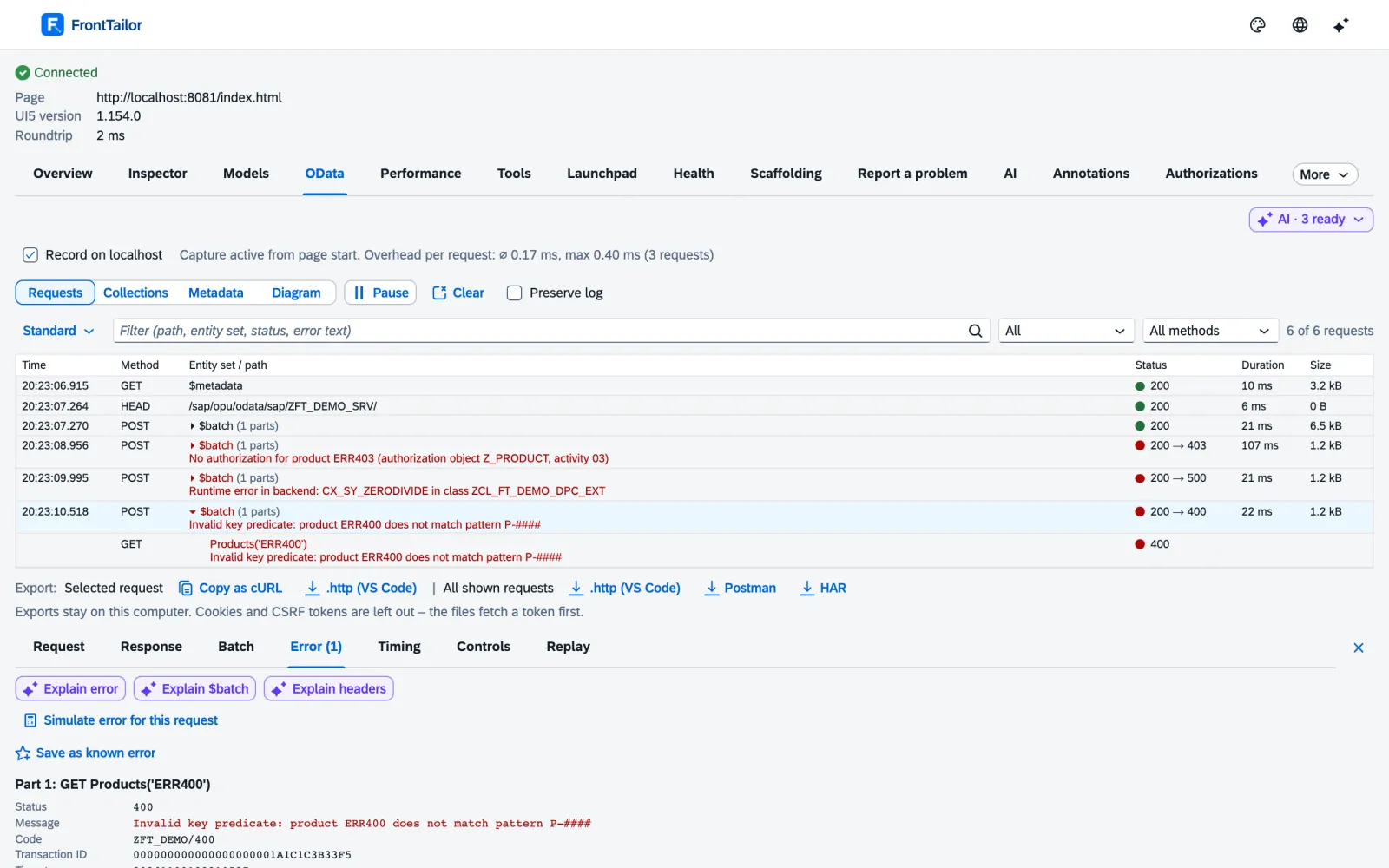
Why does this request fail – and what did the backend really say?
OData console10
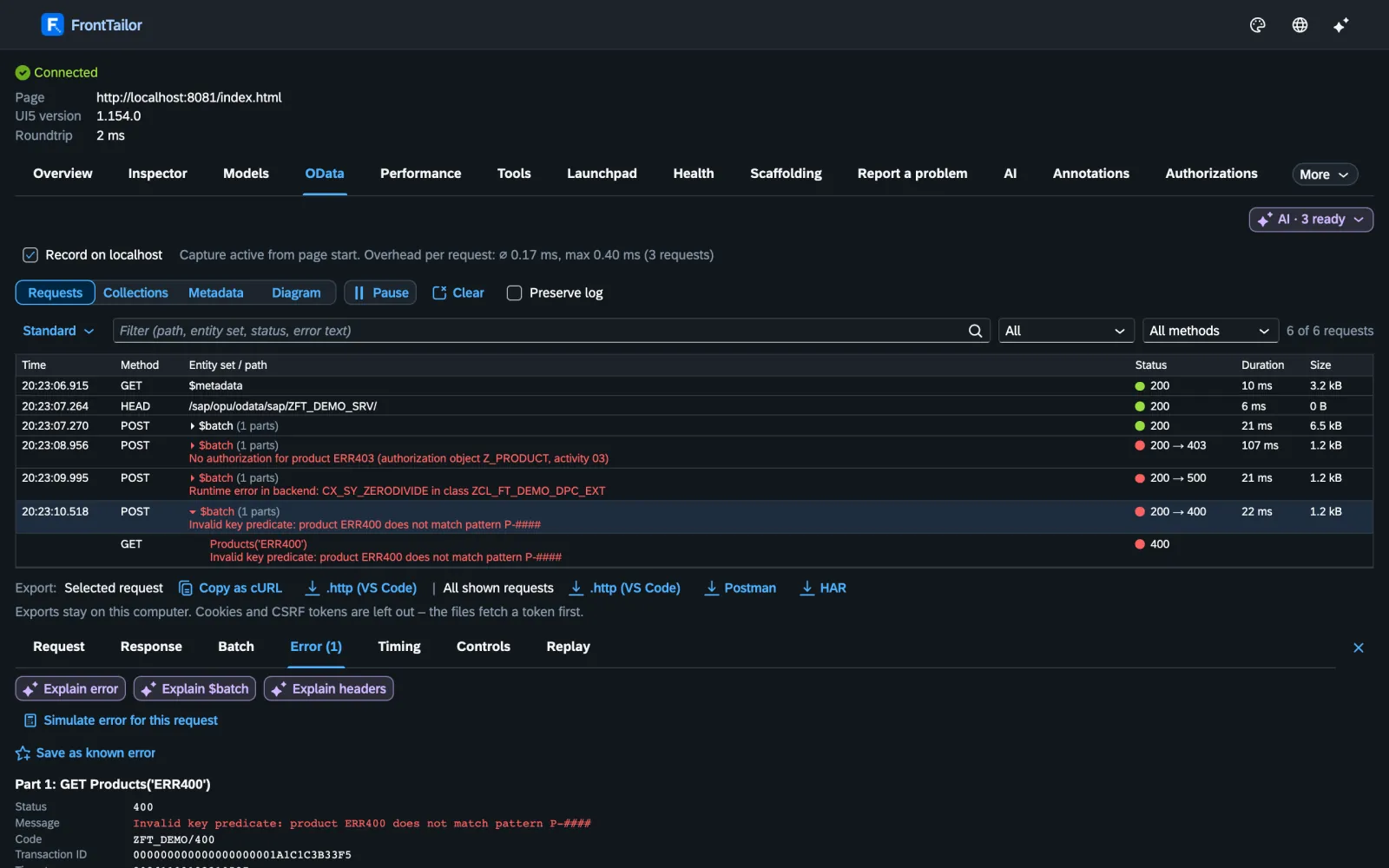
V2 and V4, $batch split into its parts, error text from Gateway, RAP and CAP readable, link to /IWFND/ERROR_LOG, 76 headers explained.
Export & replay11
Export as cURL, .http, Postman or HAR, without tokens. Replay after a preview, saved filters and collections – display only on PROD.
Metadata explorer12
Entities as a diagram with navigations, path finder for $expand, export as SVG, PNG or Mermaid.
From request to control13
One click from the request or property to the bound control in the page.
Fault simulation14
500, 403, slow backend, empty list or expired CSRF token – without a mock server, with a banner in the page, locked on PROD.
Need help with this? Custom Fiori, UI5 and CAP apps →
Why does the app take eight seconds – and since when?
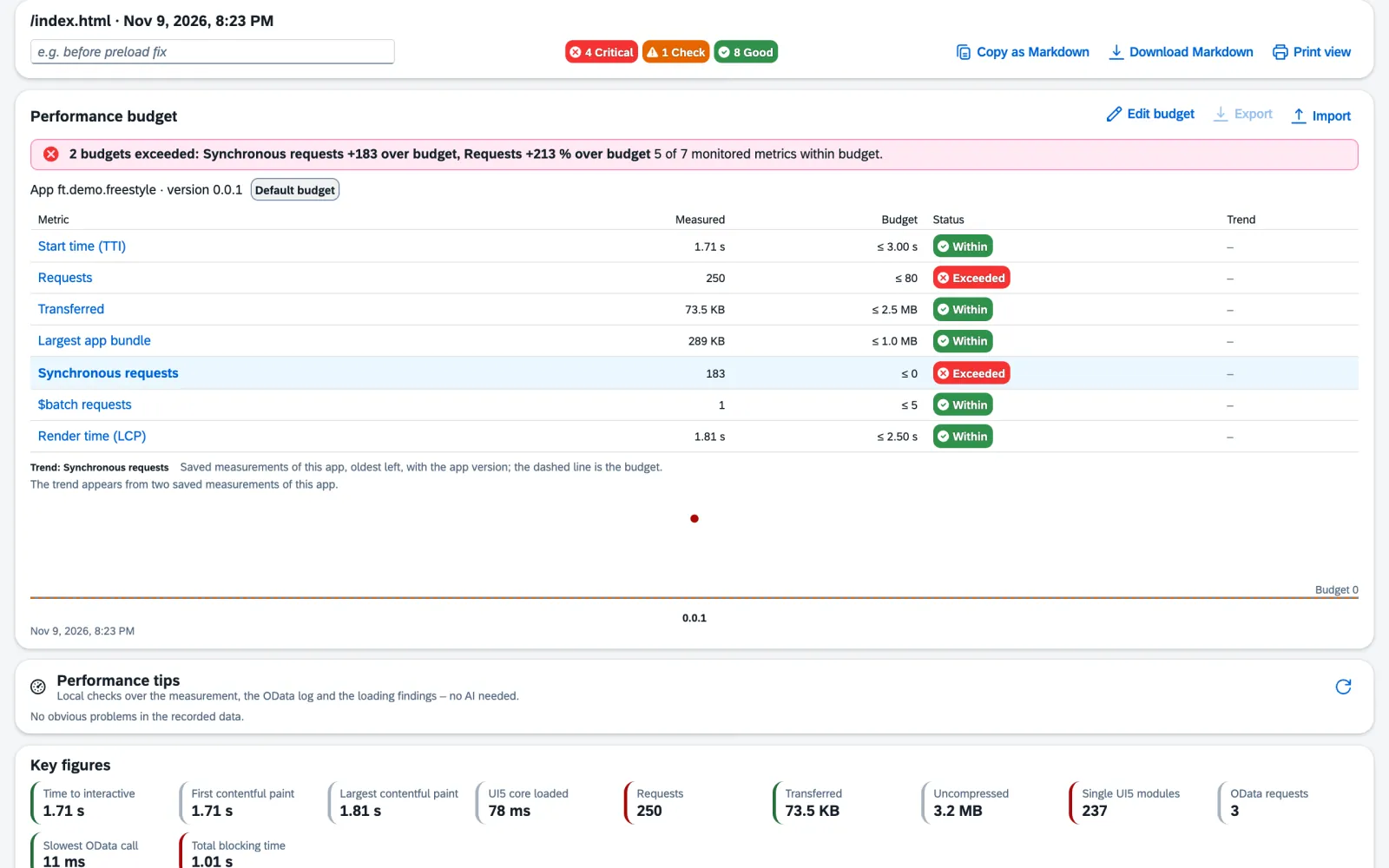
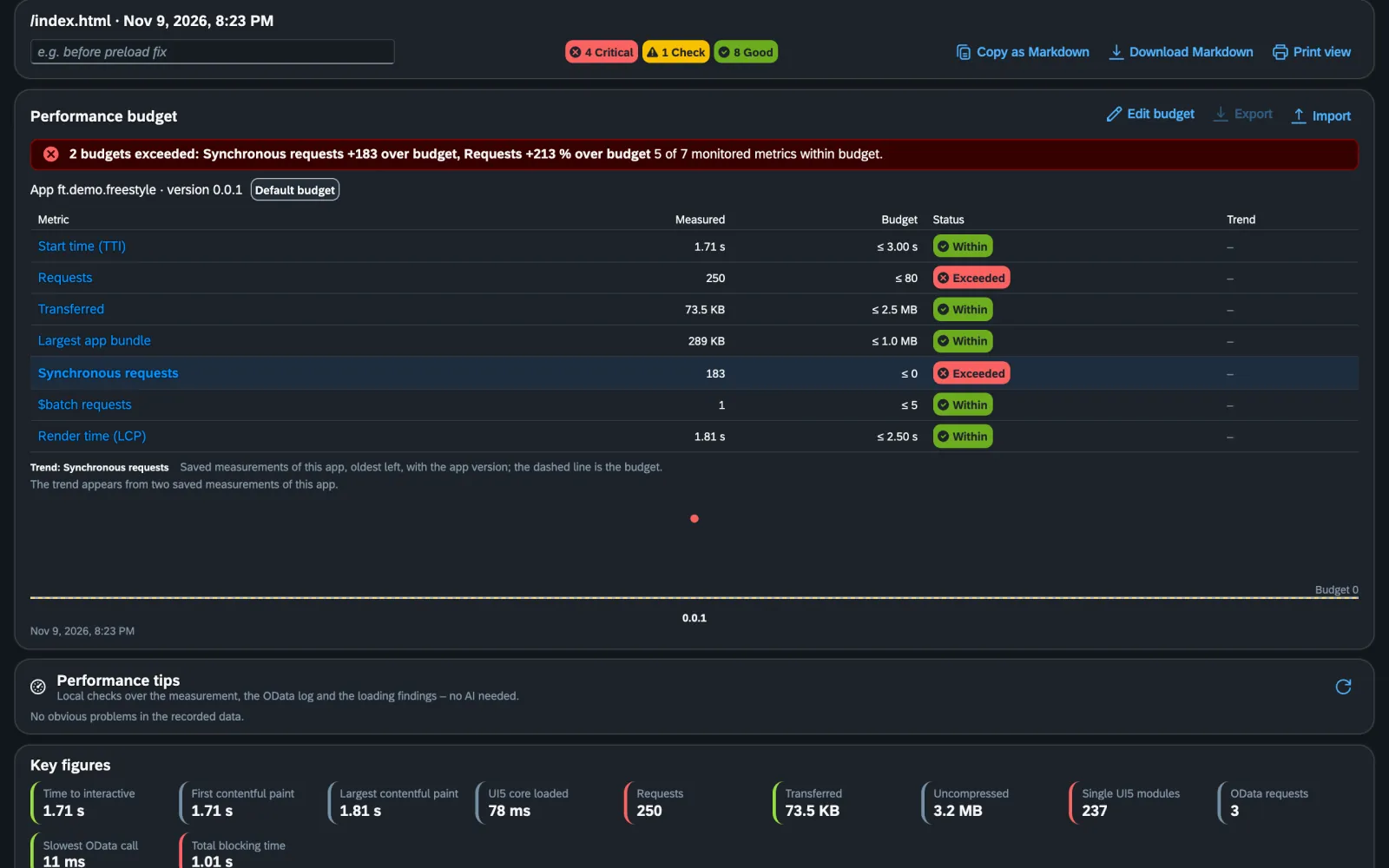
Performance profiler15
Start time, requests, bundles, preload, async, theme cache, slow OData calls and long tasks – with traffic light and a concrete recommendation.
Performance budgets16
Limits per app for seven metrics, verdict at the top of the report, history across versions, export as JSON. Team budgets in Team.
Deployment check & cache buster17
Is the browser running the deployed version? Stale ~token~ paths, a verdict and a one-click reset.
Docs:
Need help with this? Fiori performance review →
MEASURED.
An extension that slows Fiori apps down would miss its own point. The share of FrontTailor’s code in the load time of the three demo apps is 0.7 %, 0.1 % and 1.0 %18. With the permissions it needs, Chromium itself adds to that: 10.9 %, 4.2 % and 1.6 % in total – the biggest part in the freestyle app as soon as webRequest is active. We print both numbers.
To the sourceWhat does the app have to change before UI5 2.0 – and what else will the review find?
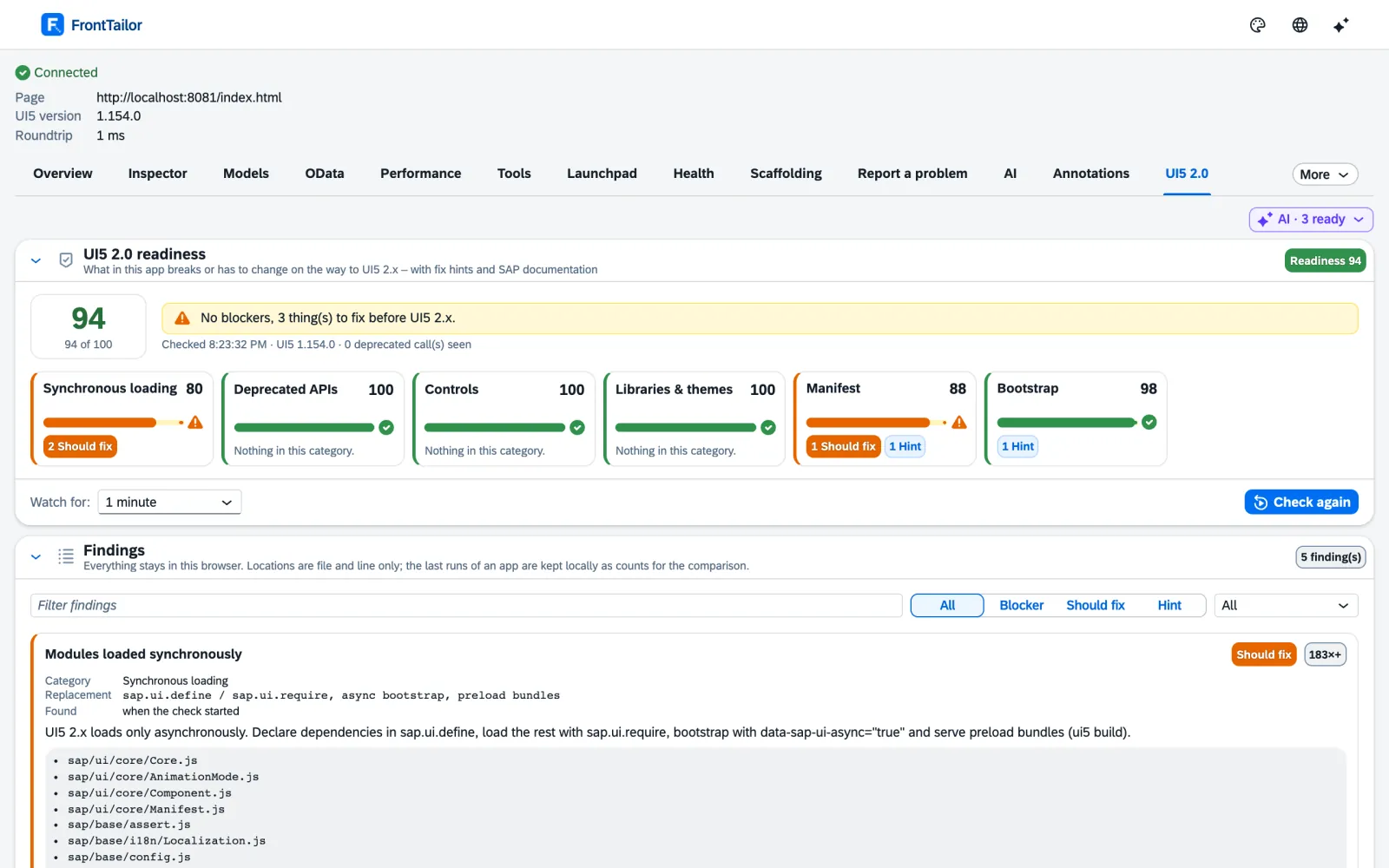
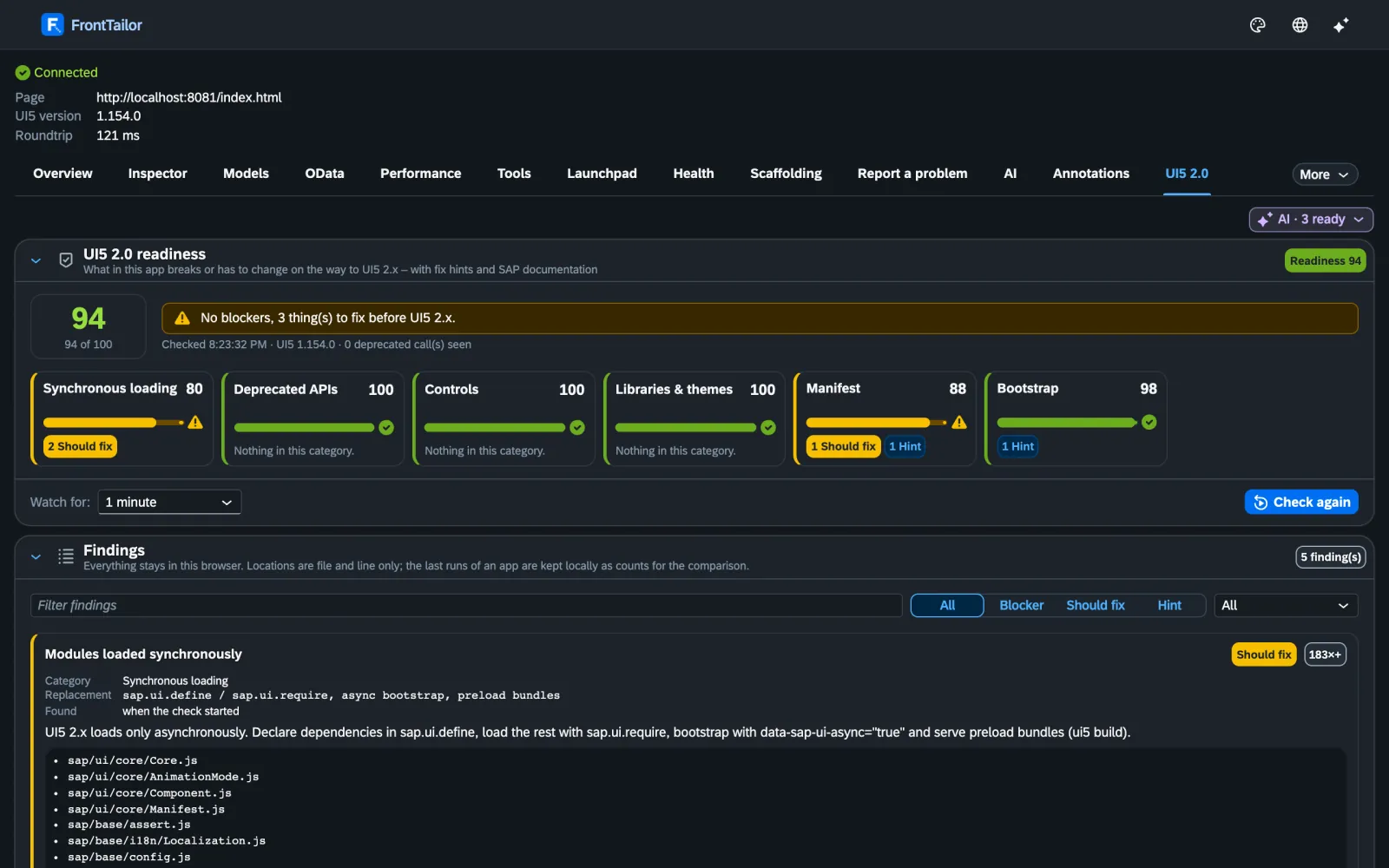
UI5 2.0 readiness check19
Synchronous loading, sap.ui.getCore(), jQuery.sap, deprecated controls and themes – with file, line, replacement and score. Migration report with effort in Pro.
Library analyzer20
Loaded libraries against the manifest, undeclared controls, network view and a copyable sap.ui5/dependencies proposal. Export in Pro.
i18n & accessibility check7
Missing keys and translations, hard-coded texts, controls without a label, contrast per WCAG 2.2 – with a jump to the inspector.
Fiori design guidelines validator21
Floorplan detected, 32 rules, score per category, improvement with example and dos & don’ts.
Annotation explorer22
Which annotation drives this field in Fiori elements – and from which source? Plus manifest viewer and draft/ETag inspector.
Need help with this? UI5 2.0: readiness and migration →
How does a bug become a test – or a ticket that can be solved without asking back?
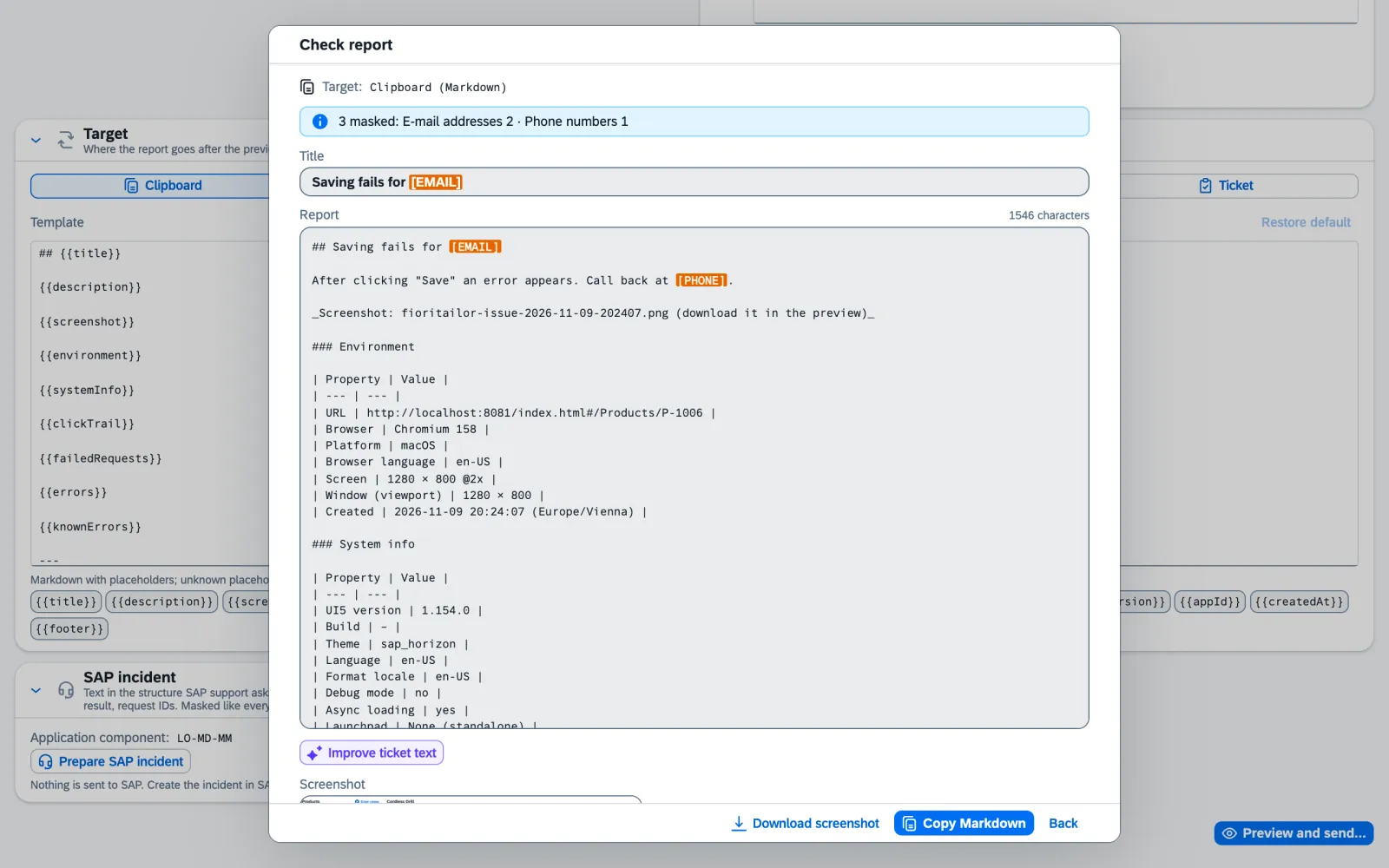
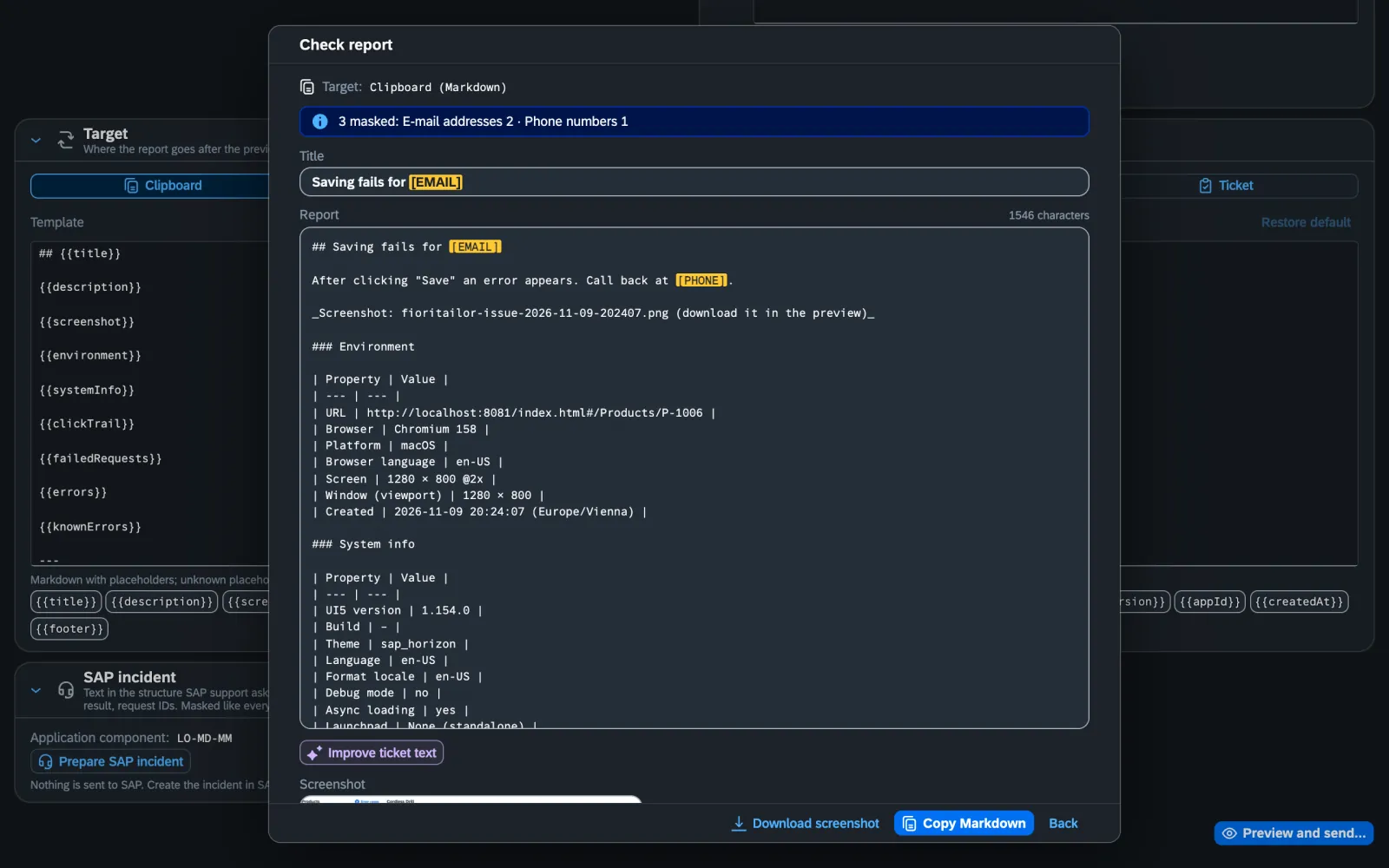
Shared recorder23
Record once, use many times: as steps in the report, as a journey or as a synthetic check. Typed values not recorded by default.
Scaffolding & snippets24
Page objects for OPA5, wdi5 and Playwright, QUnit skeleton and mock data from the running app.
Local code in the real launchpad25
Test your local state with the real tile, real roles and real data, without a deployment. Locked on PROD.
Report a problem26
Screenshot with markup, click trail, failed requests and system info – masked, with a preview.
Tickets & SAP incident27
Jira, GitHub, GitLab and Azure DevOps in Pro, ServiceNow in Enterprise. Plus a prepared SAP incident with component and request IDs.
Known errors28
The fix for the error that comes back every week, right at the error. For the whole team in Team.
Need help with this? Extensions of Fiori elements apps →
What does this inner error mean – and what does the wdi5 test for it look like?
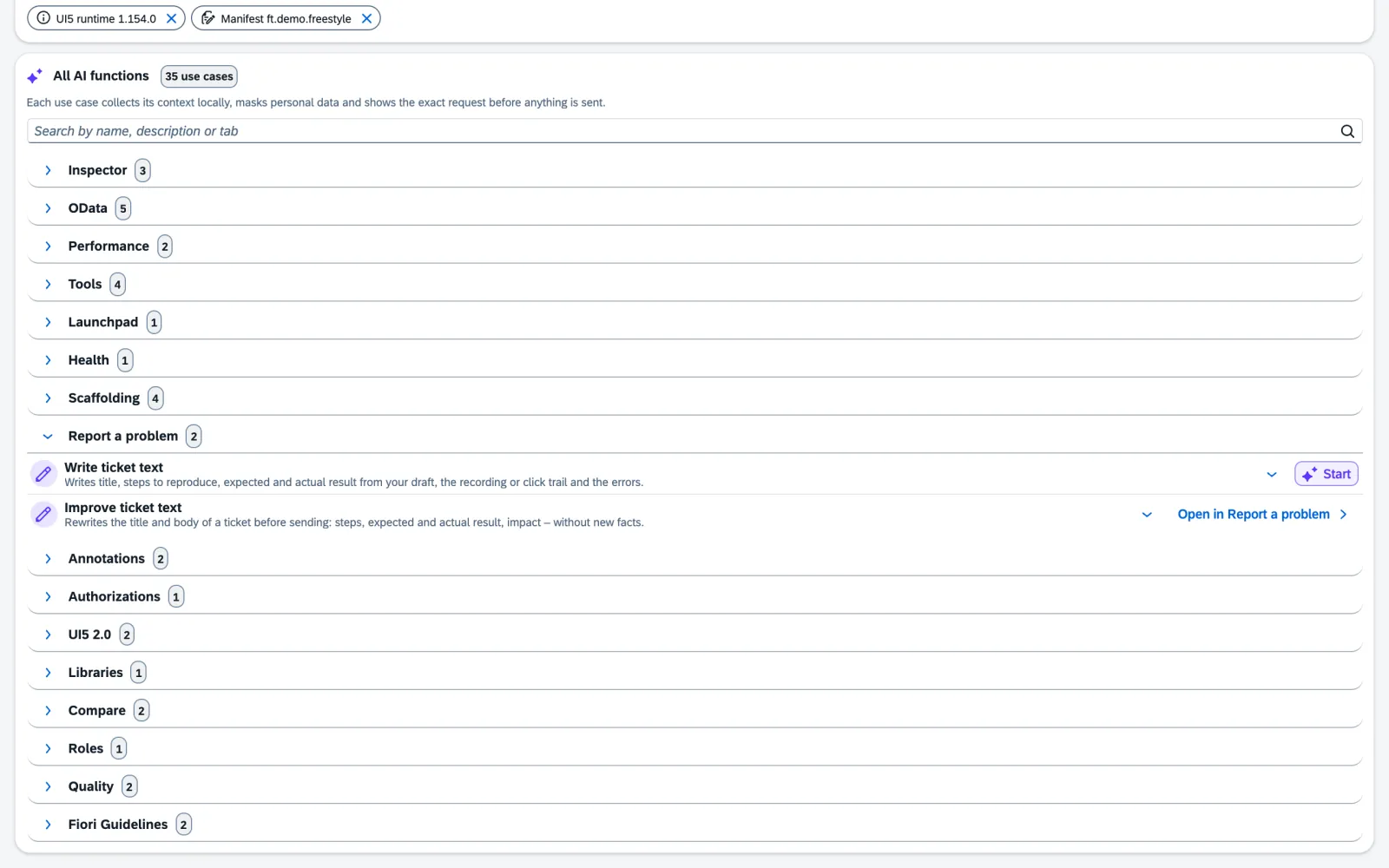
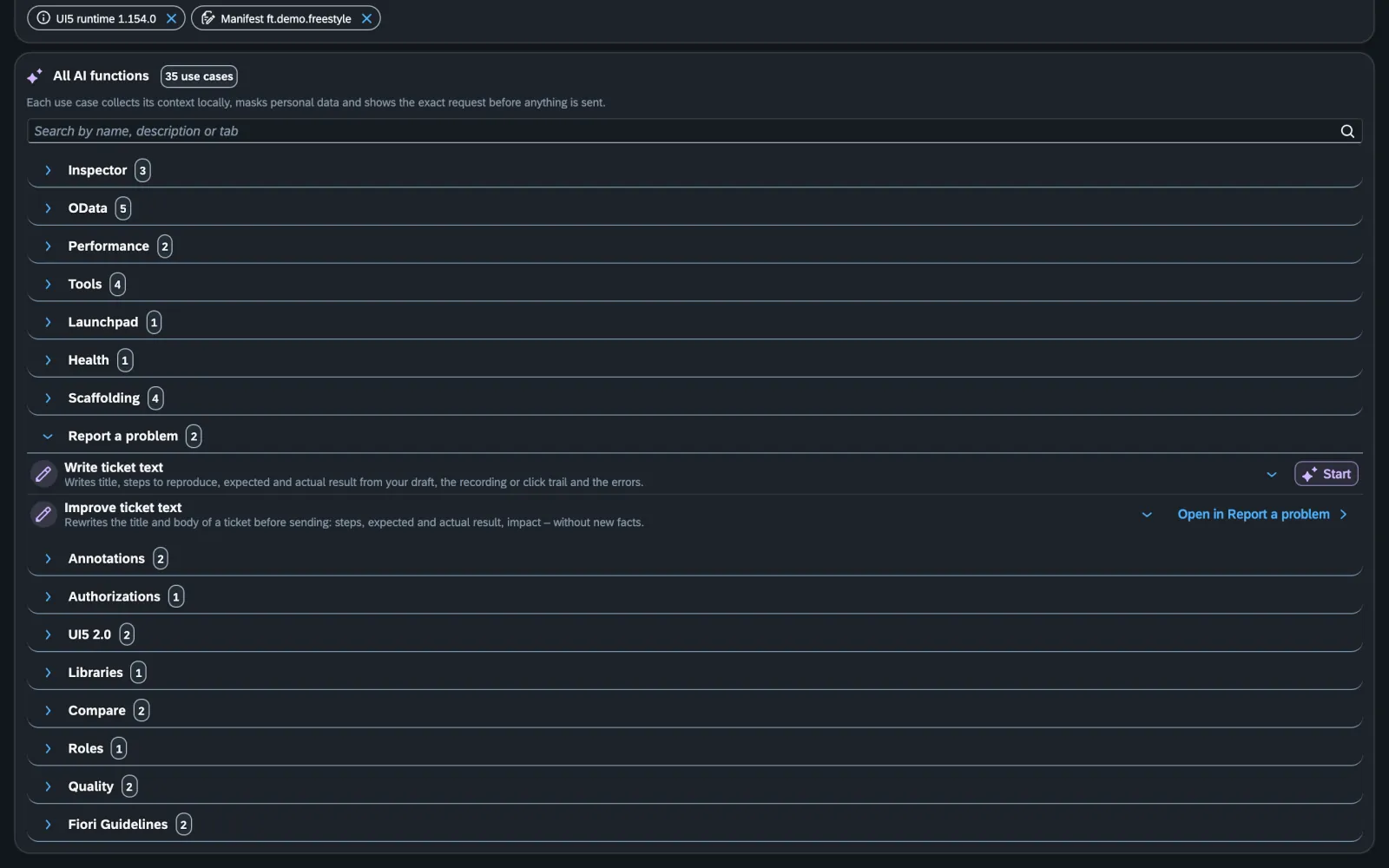
AI assistant (BYOK)29
35 use cases with the page’s context: explain errors, code review of the running app, performance tips, wdi5 tests, annotations, translations, ticket texts.
Your provider, your key30
Anthropic, Azure OpenAI, SAP AI Core, Google Gemini, Mistral or OpenAI-compatible (e.g. Ollama). No CloudDNA proxy; the key stays encrypted on the device.
Preview & masking31
Every request only after a full preview and a click; e-mail, phone, IBAN and long digit strings masked. Enforceable or switchable off by policy.
Docs:
Need help with this? TailorCampus D6: AI in the SAP landscape →
Why is the tile missing – and why does it work on QA but not on PROD?
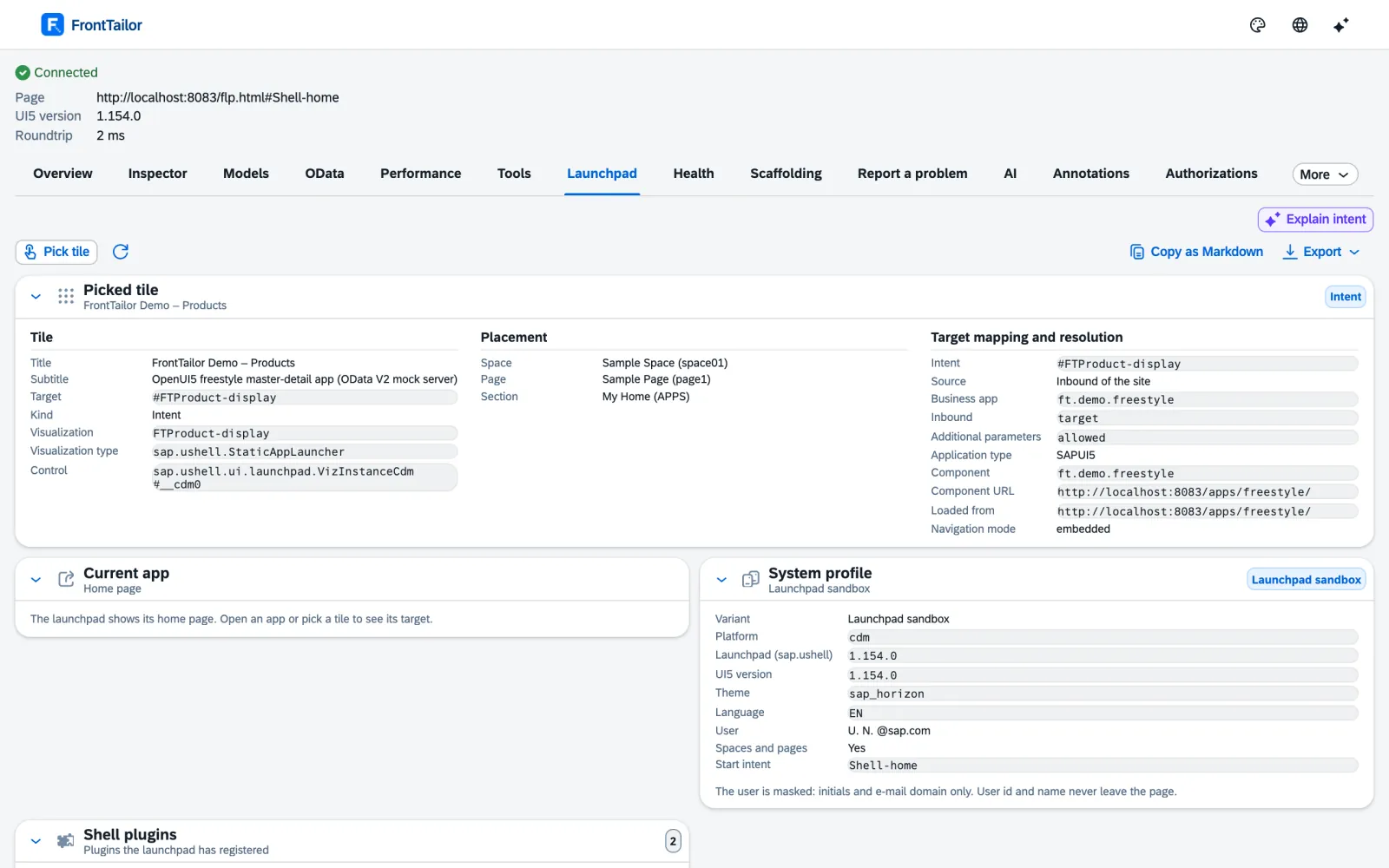
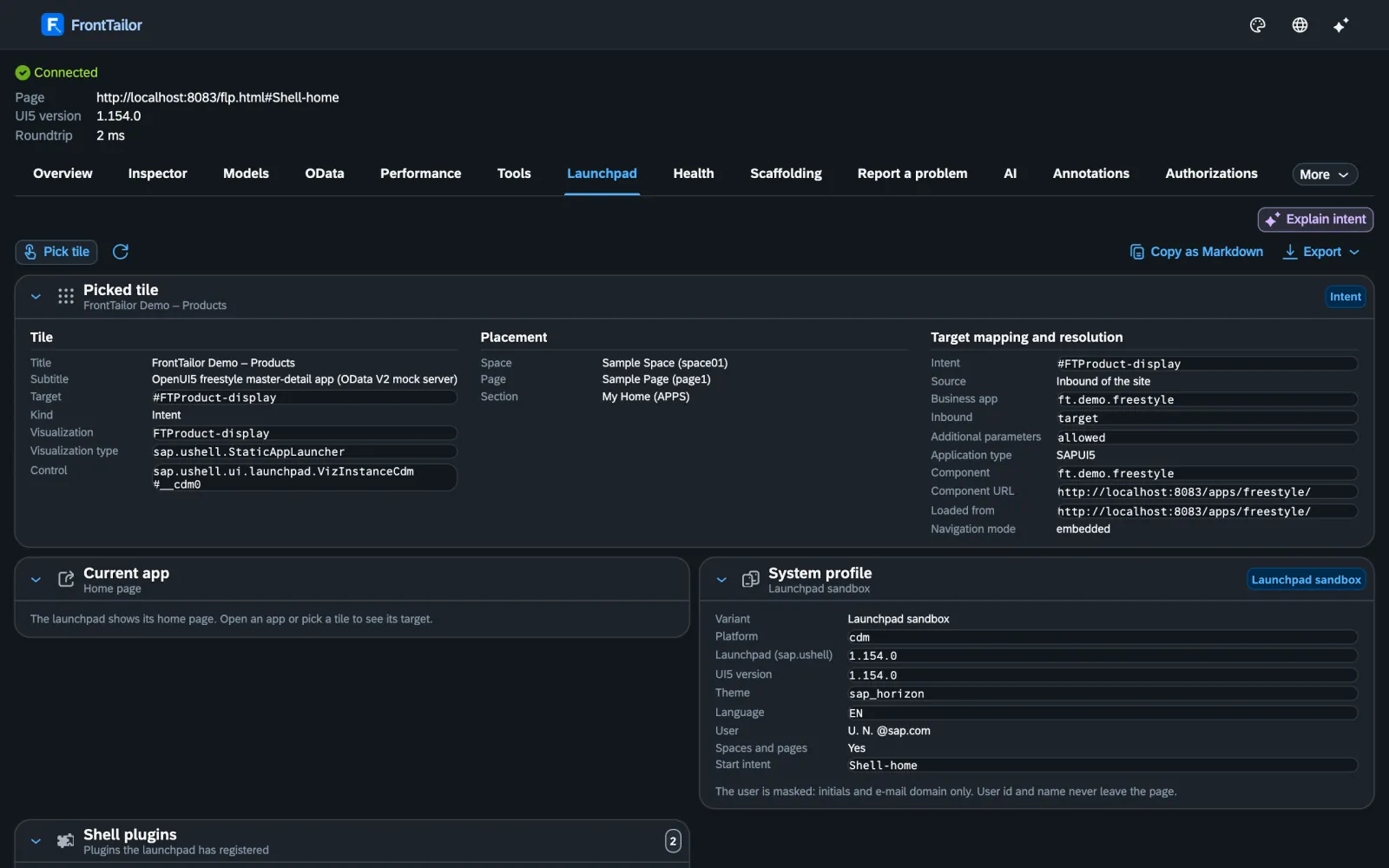
Launchpad inspector32
Pick a tile: app ID, semantic object, target mapping, space, page, catalogue and plugins – without opening the app.
Authorization diagnosis33
401/403 readable with the authorization object, check chain for “tile missing” with a traffic light per stage, links to SU53 and the error log.
DEV/QA/PROD system comparison34
Snapshots from metadata per system and a diff – no business data, no background crawling.
Release check after transport35
Traffic light per system for version, cache buster, preload and app index – and the next step for every red finding.
Morning check36
Open your key apps one after another on click, traffic light per app, comparison with the last run. No background monitoring.
Health & synthetic check37
Latency, error rate and session time left from the OData log; replay recorded click paths as a check, locked on PROD.
Jump to the backend38
From the failed request straight to /IWFND/ERROR_LOG, ST22, SU53 and more on the same system; hints for CAP and BTP.
Backend service & role simulator (optional)39
Read-only ABAP add-on for the role and start authorization stages. Not yet tested on a real SAP system.
Docs:
Need help with this? Launchpad, roles and authorizations →
How does the whole team get the same profiles, filters and fixes – without a server?
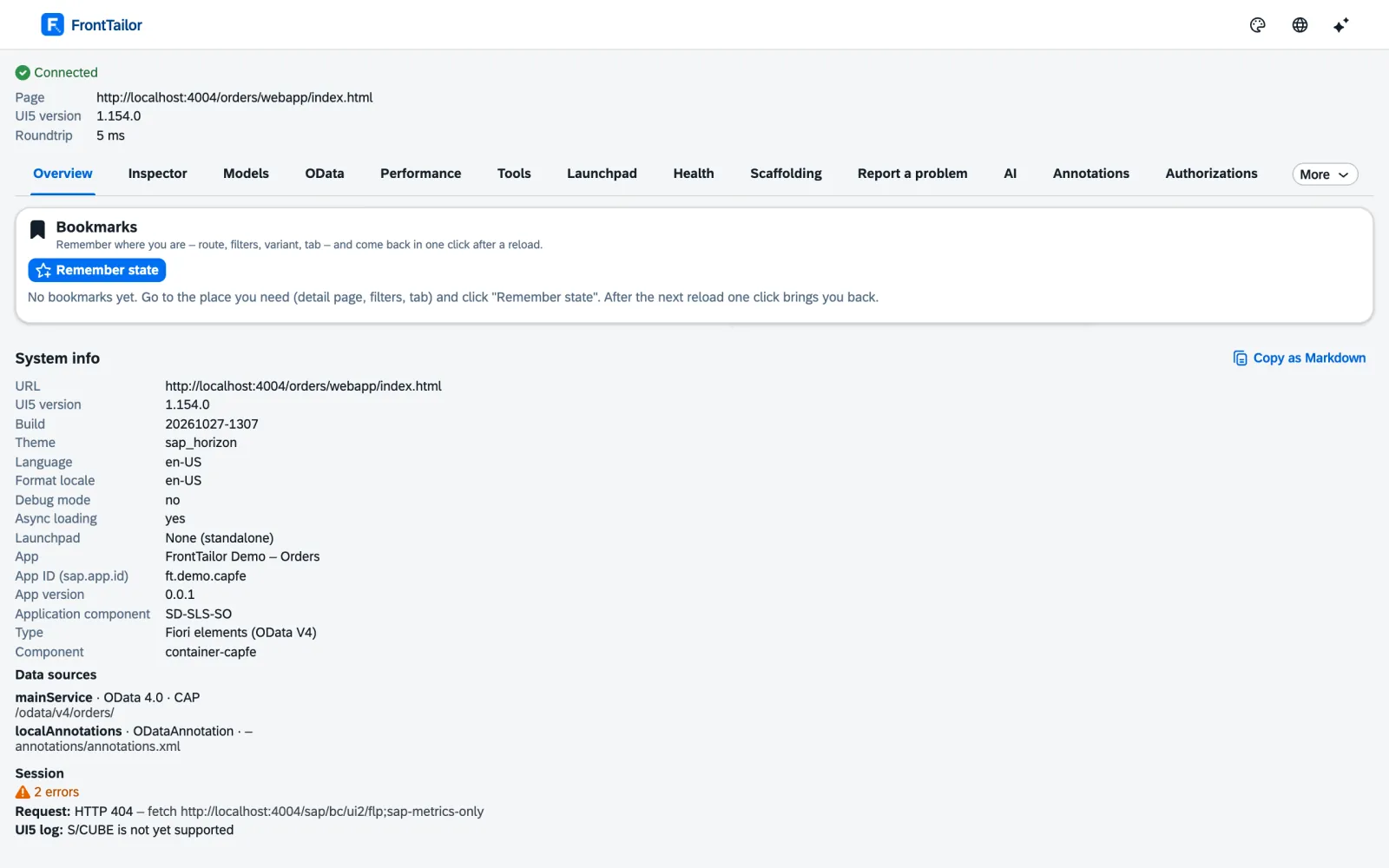
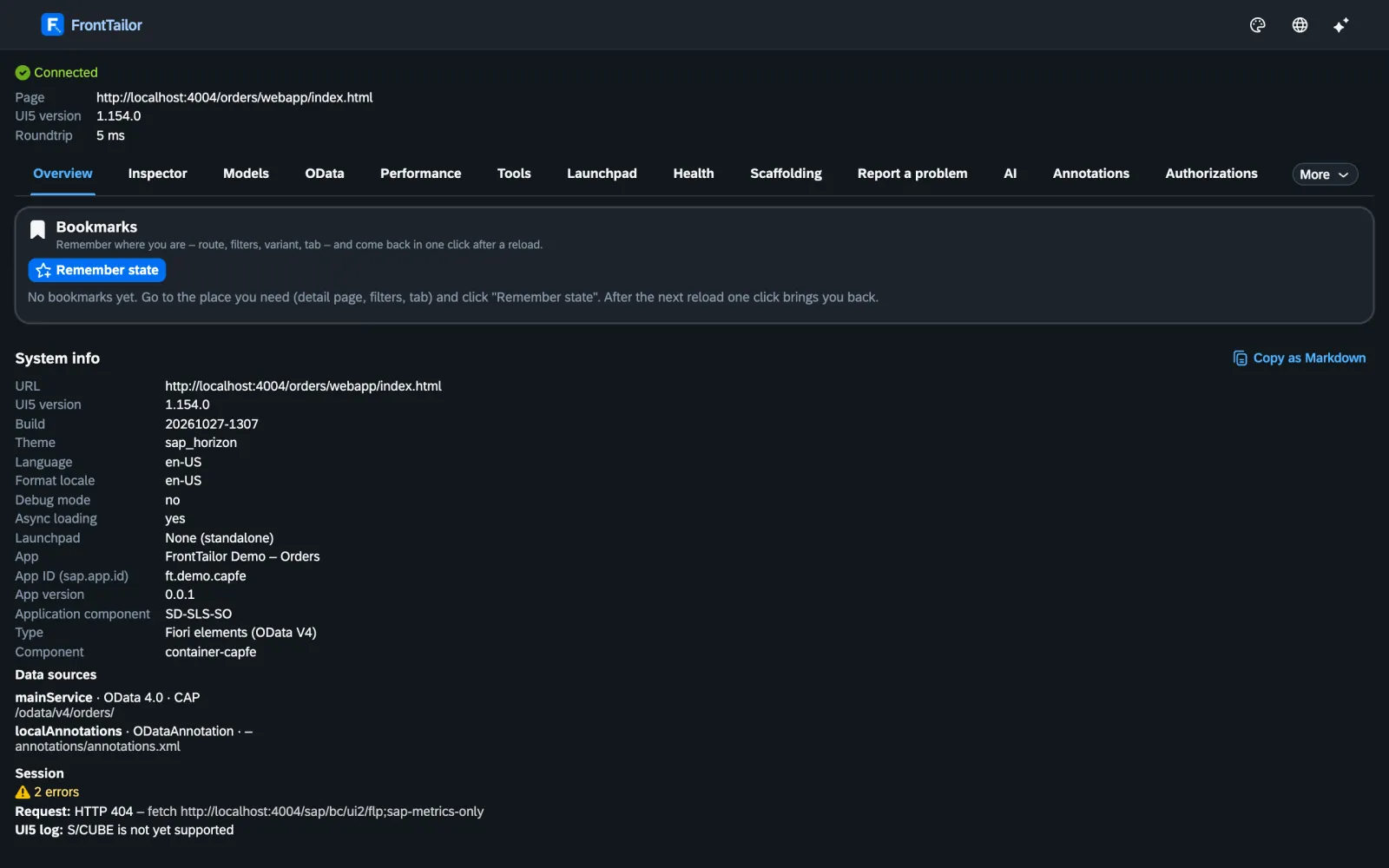
Team sync40
Team packages with host profiles, URL profiles, OData filters, replays, snippets, PII rules, favourites, budgets and known errors – via file or HTTPS.
Diff before every change40
Nothing is applied silently. Changes that would remove PROD protection are never preselected. Optionally signed with Ed25519.
Admin policies & sideloading41
Prescribe allowed hosts, PROD hosts, modules, AI endpoint, licence and team packages centrally – via group policy, Intune or Jamf.
Need help with this? FrontTailor onboarding for your team →
Community for you. Pro for projects. Enterprise for operations.
The pills on every feature show from which edition it is included. The comparison puts everything in one table.
Purchase cancelled – nothing was charged.
Sources on this page
The superscript numbers in the text point here. Tap one to see the source right where it is used; all sources of this website are listed on one page.
- 1
UI5 1.71 to 2.x, SAPUI5 and OpenUI5 ↑Product · FrontTailor product documentation, ADR-002 “UI5 adapter” · checked on 2026-11-09
- 2
System info without setup ↑Product · FrontTailor product documentation, README and store text (docs/store-listing.md) · checked on 2026-11-09
- 3
Control inspector with pick mode and “copy as” ↑Product · FrontTailor product documentation, ADR-005 “Control inspector” · checked on 2026-11-09
- 4
Model explorer with snapshot, diff and i18n lookup ↑Product · FrontTailor product documentation, ADR-006 “Model explorer” · checked on 2026-11-09
- 5
App state bookmarks ↑Product · FrontTailor product documentation, ADR-038 “App state bookmarks” · checked on 2026-11-09
- 6
Cache reset, debug switches and command palette ↑Product · FrontTailor product documentation, ADR-008 “Tools: cache, debug, palette” · checked on 2026-11-09
- 7
i18n and accessibility check ↑Product · FrontTailor product documentation, ADR-033 “i18n and accessibility” · checked on 2026-11-09
- 8
Flex check and targeted personalisation reset ↑Product · FrontTailor product documentation, ADR-011 “Flex personalisation” · checked on 2026-11-09
- 9
Test another UI5 version from the SAP CDN ↑Product · FrontTailor product documentation, ADR-012 “UI5 version override” · checked on 2026-11-09
- 10
OData console for V2 and V4 ↑Product · FrontTailor product documentation, ADR-007 “OData console” · checked on 2026-11-09
- 11
Saved filters and replay collections ↑Product · FrontTailor product documentation, ADR-029 “Saved filters, replays, favourites” · checked on 2026-11-09
- 12
Graphical metadata explorer ↑Product · FrontTailor product documentation, ADR-015 “Metadata explorer” · checked on 2026-11-09
- 13
Jump from the request to the control ↑Product · FrontTailor product documentation, ADR-010 “Jump to control” · checked on 2026-11-09
- 14
OData fault simulation ↑Product · FrontTailor product documentation, ADR-037 “Fault simulation” · checked on 2026-11-09
- 15
Performance profiler with traffic light ↑Product · FrontTailor product documentation, ADR-016 “Performance profiler” · checked on 2026-11-09
- 16
Performance budgets per app ↑Product · FrontTailor product documentation, ADR-044 “Performance budgets” · checked on 2026-11-09
- 17
Deployment check and cache-buster check ↑Product · FrontTailor product documentation, ADR-024 “Deployment check and cache buster” · checked on 2026-11-09
- 18
Own share of load-time overhead measured ↑Product · FrontTailor product documentation, ADR-009 “Quality assurance and release” · checked on 2026-11-09
- 19
UI5 2.0 readiness check ↑Product · FrontTailor product documentation, ADR-027 “UI5 2.0 readiness” · checked on 2026-11-09
- 20
Library analyzer ↑Product · FrontTailor product documentation, ADR-034 “Library analyzer” · checked on 2026-11-09
- 21
Fiori design guidelines validator ↑Product · FrontTailor product documentation, ADR-035 “Fiori guidelines validator” · checked on 2026-11-09
- 22
Annotation explorer for Fiori elements ↑Product · FrontTailor product documentation, ADR-019 “Annotation explorer” · checked on 2026-11-09
- 23
Shared recorder ↑Product · FrontTailor product documentation, ADR-028 “Shared recorder” · checked on 2026-11-09
- 24
Scaffolding from the running app ↑Product · FrontTailor product documentation, ADR-020 “Scaffolding and snippets” · checked on 2026-11-09
- 25
Local code in the real launchpad ↑Product · FrontTailor product documentation, ADR-036 “Local code in the launchpad” · checked on 2026-11-09
- 26
Report a problem with a masked report ↑Product · FrontTailor product documentation, ADR-017 “Issue reporter” · checked on 2026-11-09
- 27
Tickets in Jira, GitHub, GitLab, Azure DevOps and ServiceNow ↑Product · FrontTailor product documentation, ADR-031 “Ticket integrations” · checked on 2026-11-09
- 28
Known errors with the fix at the error ↑Product · FrontTailor product documentation, ADR-040 “Known errors” · checked on 2026-11-09
- 29
AI assistant with your own key ↑Product · FrontTailor product documentation, ADR-018 “AI assistant (BYOK)” · checked on 2026-11-09
- 30
AI key only local and encrypted ↑Product · FrontTailor product documentation, ADR-018 “AI assistant (BYOK), addendum” · checked on 2026-11-09
- 31
Masking of personal data before sending ↑Product · FrontTailor product documentation, store text (docs/store-listing.md) and ADR-018 · checked on 2026-11-09
- 32
Launchpad inspector ↑Product · FrontTailor product documentation, ADR-022 “Launchpad inspector” · checked on 2026-11-09
- 33
Authorization diagnosis and tile check chain ↑Product · FrontTailor product documentation, ADR-025 “Authorization diagnosis” · checked on 2026-11-09
- 34
System comparison DEV/QA/PROD ↑Product · FrontTailor product documentation, ADR-030 “System comparison” · checked on 2026-11-09
- 35
Release check after transport ↑Product · FrontTailor product documentation, ADR-042 “Release check after transport” · checked on 2026-11-09
- 36
Morning check across several apps ↑Product · FrontTailor product documentation, ADR-043 “Morning check” · checked on 2026-11-09
- 37
Health and synthetic check ↑Product · FrontTailor product documentation, ADR-023 “Health monitoring” · checked on 2026-11-09
- 38
Jump to the backend and SAP incident ↑Product · FrontTailor product documentation, ADR-041 “Backend jump and SAP incident” · checked on 2026-11-09
- 39
Optional backend service (ABAP add-on) ↑Product · FrontTailor product documentation, ADR-032 “Backend service and role simulator” · checked on 2026-11-09
- 40
Team sync without a server ↑Product · FrontTailor product documentation, ADR-021 “Team sync” · checked on 2026-11-09
- 41
Admin policies via managed storage ↑Product · FrontTailor product documentation, policy schema (apps/extension/public/managed-schema.json) and ADR-013 · checked on 2026-11-09
Questions about the features.
- Does FrontTailor replace UI5 Diagnostics and the UI5 inspector?
- FrontTailor covers what people usually open UI5 Diagnostics and inspector extensions for – control tree, properties, bindings, models – and connects it with what is missing there: OData requests with readable errors, performance, the UI5 2.0 check and the launchpad. The SAP tools remain usable; FrontTailor changes nothing about them.
- Does FrontTailor work with Fiori elements and CAP?
- Yes. FrontTailor detects freestyle apps as well as Fiori elements V2 and V4 and reads OData V2 and V4, including from CAP and RAP. For Fiori elements, the annotation explorer (Pro) shows which annotation drives a field and which source it comes from; for V2 only partially.
- How do I find the ID of a UI5 control for a test?
- Start pick mode with Alt+Shift+F, click the field and choose “copy as”: ID, OPA5, wdi5 or Playwright selector, or XML. Generated IDs like __xmlview0--input-3 never end up in the selector; FrontTailor uses stable features such as the view-local ID, binding path or text.
- Can I test another UI5 version without deploying?
- Yes. Under tools, FrontTailor redirects only the app’s UI5 files to ui5.sap.com or sdk.openui5.org in the chosen version, in exactly one tab. The app’s own code stays untouched, the rule ends with the tab, and it is locked on PROD. A strict content security policy of the page can prevent the switch.
- How do I measure the load time of a Fiori app?
- In the performance profiler (Pro), click “start measurement” and reload the app. It measures time to interactive, FCP, LCP, requests and sizes and checks component preload, library preload, async loading, theme cache, slow OData calls and long tasks – with a traffic light and a recommendation. The thresholds are FrontTailor’s rules of thumb, not SAP limits.
- Does FrontTailor check accessibility per WCAG?
- The i18n and accessibility check (Pro) checks criteria from WCAG 2.2 – text alternatives, structure, contrast of at least 4.5:1 or 3:1, labels, name and role – with a jump to the control. It does not check keyboard operation or focus order and does not replace a full audit.
- Who helps with the UI5 2.0 migration?
- CloudDNA, the company behind FrontTailor. The UI5 2.0 readiness check shows the blockers per app with file and line; in consulting we prioritise them with you and carry out the migration – with the team where the authors of “SAPUI5 – The Comprehensive Guide” work. More on the services page.
- Is there a guide to the individual modules?
- Yes. The FrontTailor product documentation describes the modules page by page: where they sit in the panel, how to use them, which edition they need and what is locked on PROD systems. Below each area on this page you find the links to the matching docs pages.
Your question isn’t here? Talk to me: +43 664 1964199 office@clouddna.at Get in touch