FrontTailor 1.0.0 (10 November 2026): inspector, OData, performance, UI5 2.0, AI and operations for SAP Fiori® and UI5 apps – in one panel. What’s inside → +43 664 1964199Contact →
Developer tools for SAP Fiori® and UI5 apps

Ten tabs closed. One panel open.

A Fiori app does something it shouldn’t, and the search begins: DevTools, the network tab, UI5 Diagnostics, the error log in SAP GUI. FrontTailor is a browser extension for Chrome and Edge that explains any running UI5 app – which control is behind a pixel, why a request fails, what slows down the start, what is missing for UI5 2.0. In one panel, locally in your browser.

The small numbers are sources: tap one to see where it comes from and when we checked it; all of them are listed at the bottom of the page.

  • Community is free, no account
  • UI5 1.71 to 2.x
  • Changes locked on PROD
  • No cookies on this site
A product ofCloudDNAThe SAP & AI experts from Austria!
FrontTailor – Developer Tools for SAP Fiori® and UI5 apps · 1:30 min
Chapters and transcript

Chapters

  1. Introduction
  2. Community
  3. Pro
  4. Team
  5. Enterprise

What is said in the video

Anyone who builds or runs SAP Fiori apps jumps between DevTools, backend transactions and wiki pages. FrontTailor brings it together in one panel – right next to the running app. Free in Community: the Inspector shows the type, properties and bindings of every control.

The OData console turns errors into plain text – even deep inside $batch calls. Pro is for developers: the profiler measures start-up and requests and checks them against budgets. And local code runs in the real launchpad – no deployment.

Team distributes signed packages: profiles, filters, snippets and known errors – the same for everyone. Enterprise is for operations: the launchpad inspector shows the intent, mapping and app behind every tile. Four editions: Community is free, Pro is for developers, Team for shared standards and Enterprise for operations.

FrontTailor – a product of CloudDNA, the SAP and AI experts from Austria. More at fronttailor.com.

From the author of the SAP PRESS books

First we wrote the books. Then the panel.

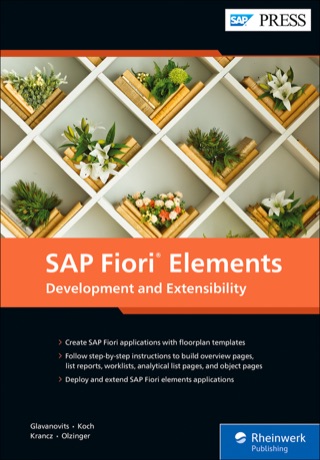
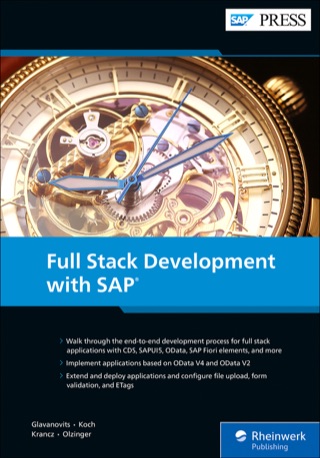
Martin Koch, founder of CloudDNA, wrote the books on SAPUI5, SAP Fiori elements, full-stack development and Git and SAP at SAP PRESS with Rene Glavanovits, Daniel Krancz and Maximilian Olzinger. FrontTailor grew out of the work behind those books: what they explain, the panel shows on your running app.

All 16 titles by topic →

Why FrontTailor exists

The question is always the same: why is the app doing this?

The answer is almost never in one place. It is scattered:

  1. Elements tab
  2. Network tab
  3. UI5 Diagnostics
  4. /IWFND/ERROR_LOG
  5. ST22
  6. SU53
  7. Launchpad configuration

A field shows the wrong value. The elements tab shows an __xmlview0--input-3 that means nothing to anyone. The network tab shows a $batch with twelve parts, one of them red, the error text somewhere in the multipart body. UI5 Diagnostics knows which control it is – but not which request belongs to it. And the gateway error log lives in SAP GUI, in another window, on a system you may not even be logged on to.

Then the classic: it works on DEV, not on PROD. A different UI5 version? A stale cache buster? A flex change in the CUSTOMER layer? A role that is assigned on QA but not on PROD? And after every transport the morning round: open twenty apps, see whether they start, hope nobody calls before nine.

Every tool sees a part. None of them sees the whole.

BeforeWith FrontTailor
Decipher generated IDs in the elements tabClick the field: control, view, binding, model – and a selector for wdi5
Read a $batch body by hand in the network tabBatch split, error text readable, one click to the control
Switch to SAP GUI and hunt for the error logJump with transaction ID and time window into the right system
“But it works on DEV”DEV/QA/PROD comparison: what really differs
Open twenty apps by hand every morningMorning check on click, traffic light per app, compared with yesterday
Screenshot into the ticket, question back, another screenshotOne masked report with click trail, requests and system info

The whole story: why we built FrontTailor →

What the panel answers

For the questions every Fiori app asks sooner or later.

FrontTailor opens as a panel in DevTools, as a side panel next to the app or as a popup. Once you grant the domain, the overview shows UI5 version, app type, launchpad and data sources without any setup, and the icon becomes a traffic light: green, yellow with an error count, red for PROD.

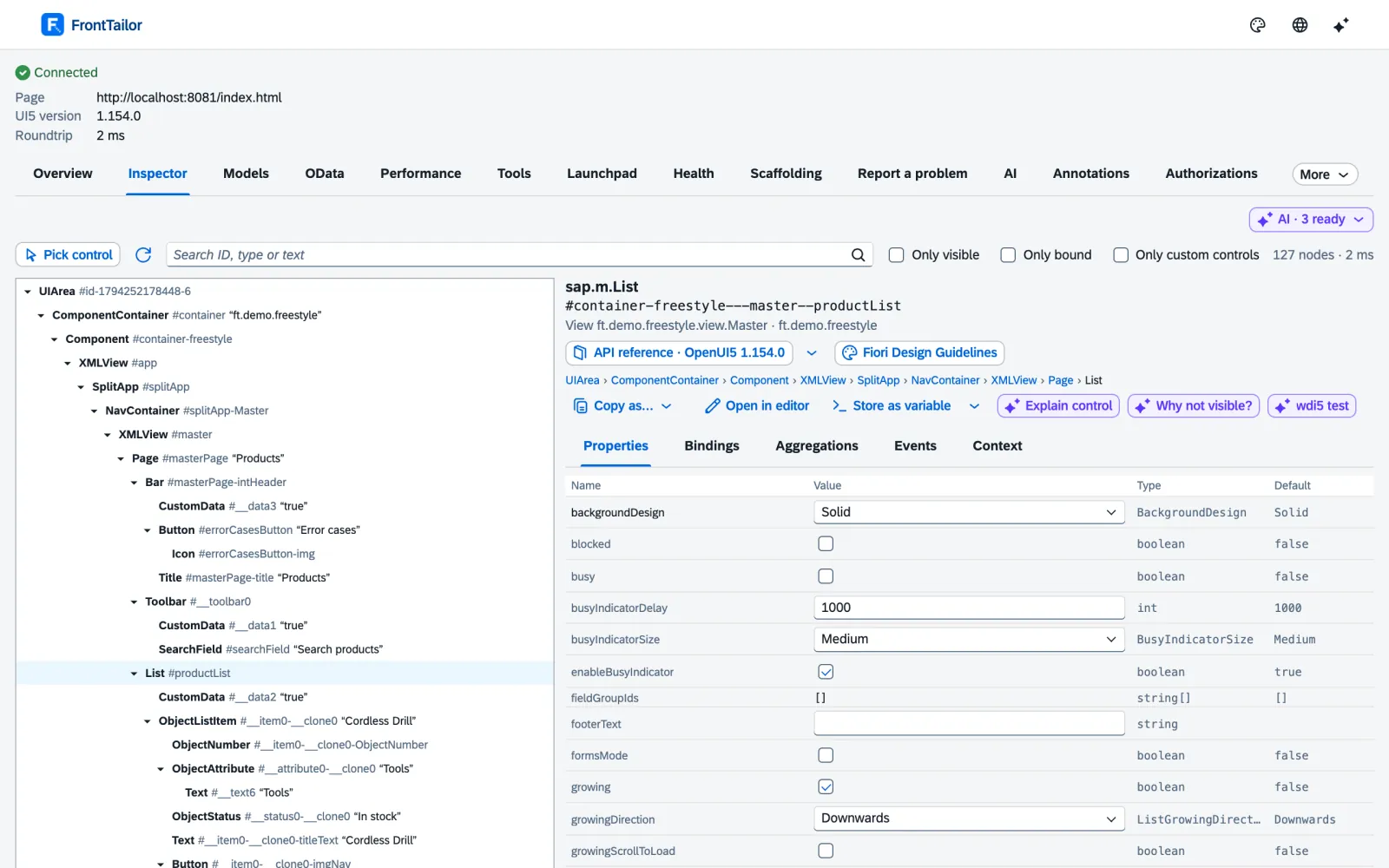
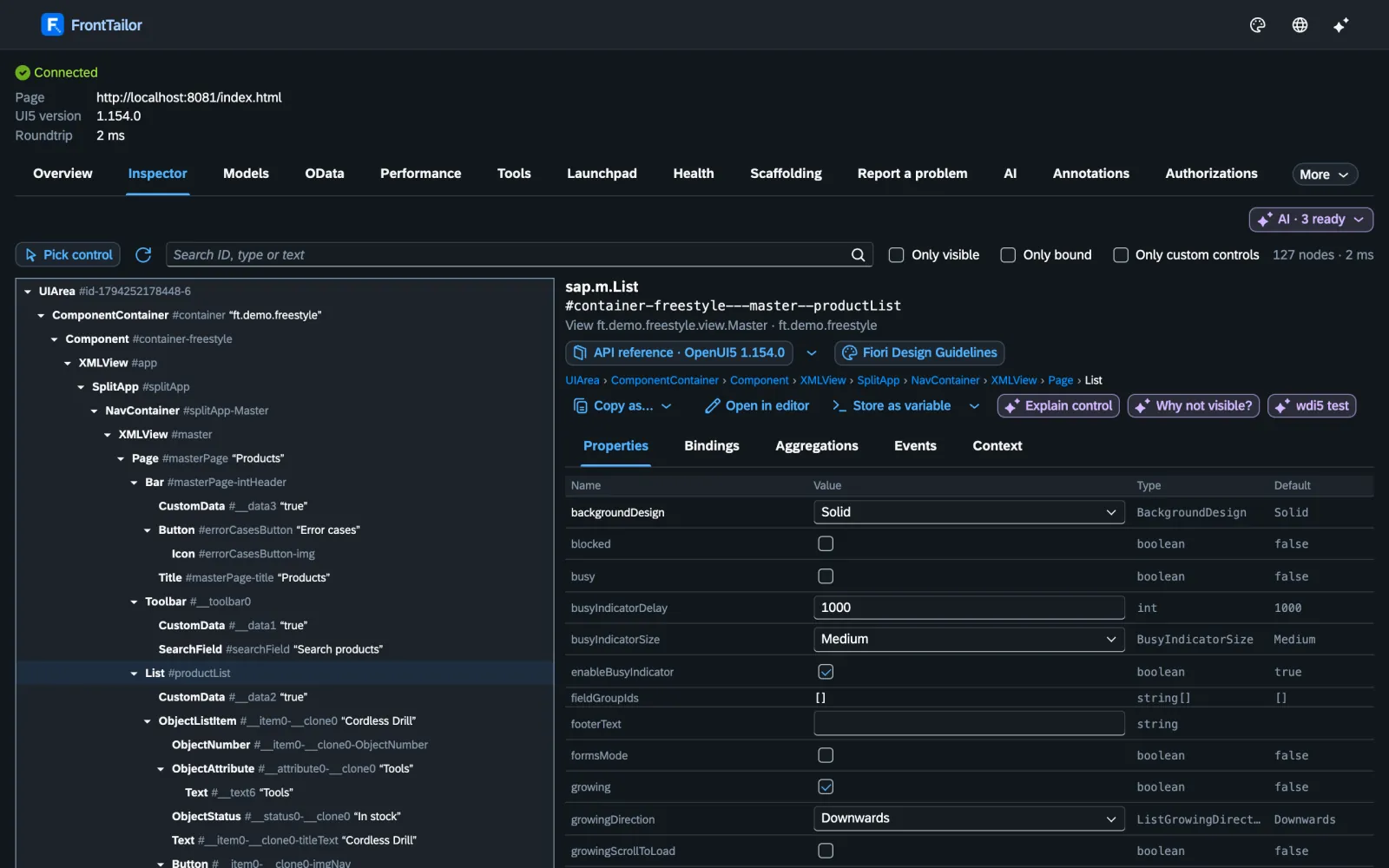
Control inspector: control tree, properties and bindings of the picked fieldControl inspector: control tree, properties and bindings of the picked field
Inspector & models · Community

Which control is behind this pixel?

Alt+Shift+F, click the field: the control inspector shows tree, properties, bindings and contexts – and copies the control as an ID, OPA5, wdi5 or Playwright selector. Generated IDs never end up in the selector.

The model explorer shows JSON, OData and resource models as a tree, with a before/after snapshot and diff.

Inspector & models in detail →

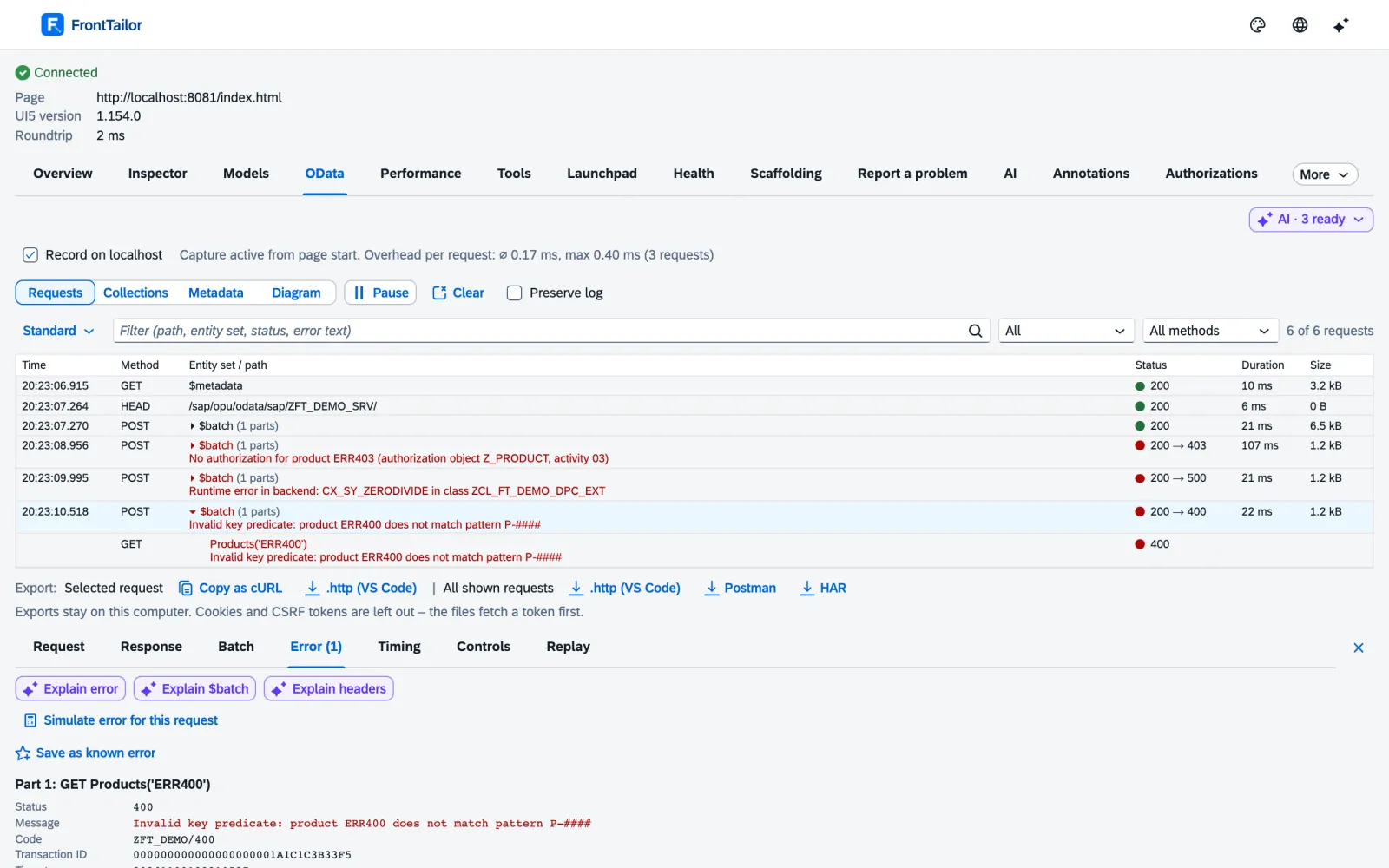
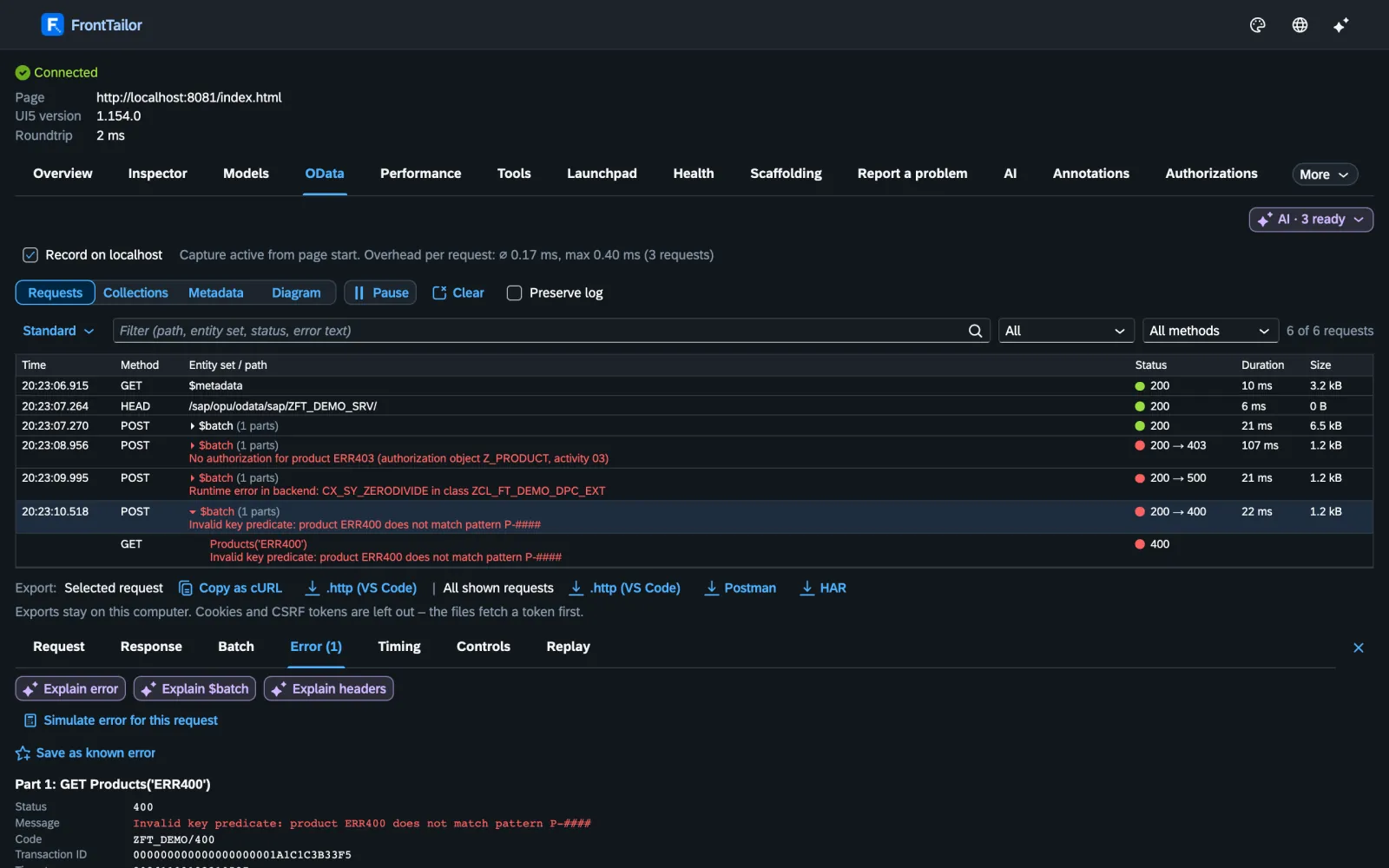
OData console: a failed request from a $batch with the backend’s readable error textOData console: a failed request from a $batch with the backend’s readable error text
OData · Community

What did the backend really say?

The OData console splits every $batch, reads the errors from Gateway, RAP and CAP and links the error log. One click takes you from the request to the bound control.

Export as cURL, .http, Postman or HAR – without tokens. In Pro you simulate a 500, a 403, a slow backend or an expired CSRF token, without a mock server.

OData in detail →

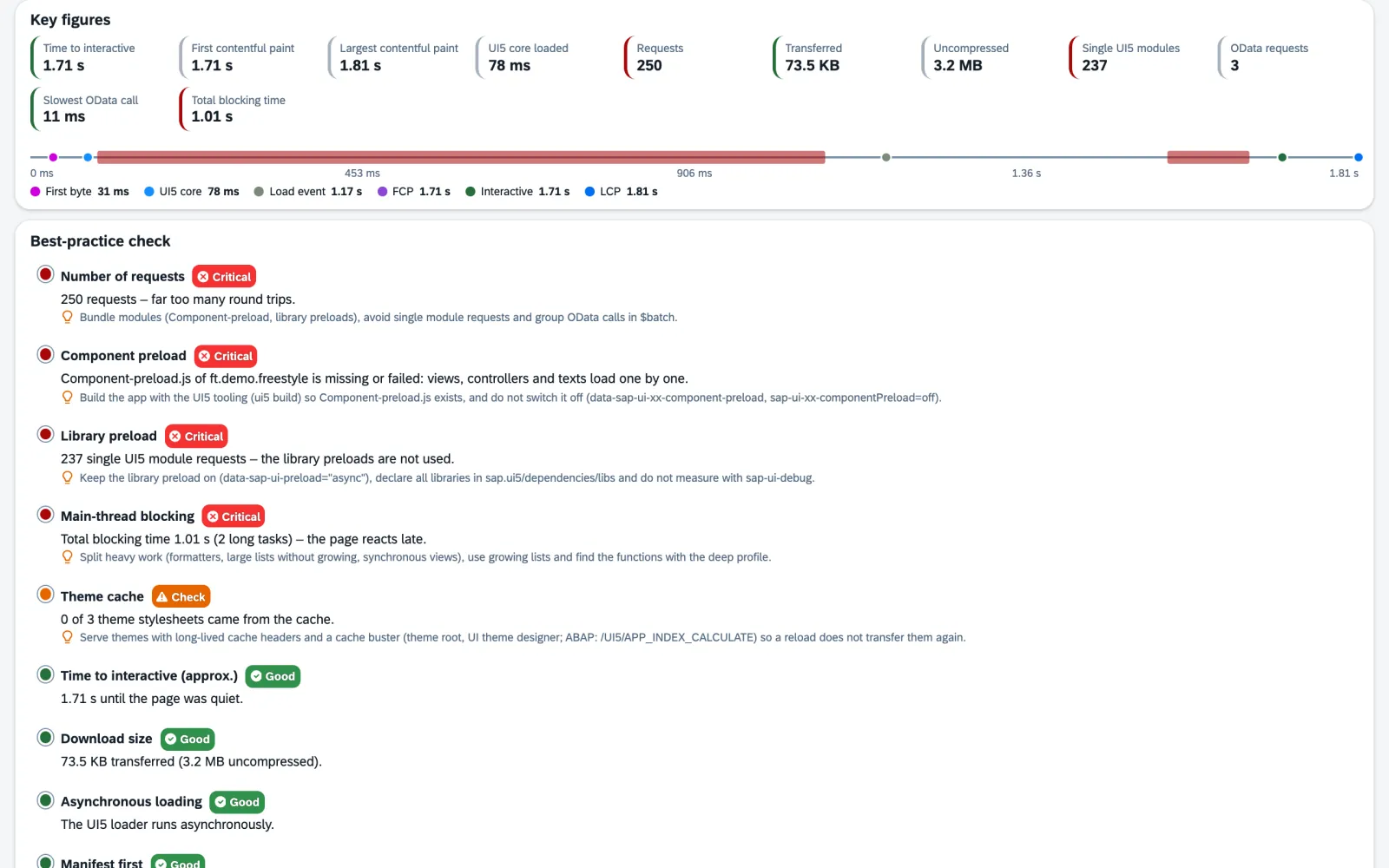
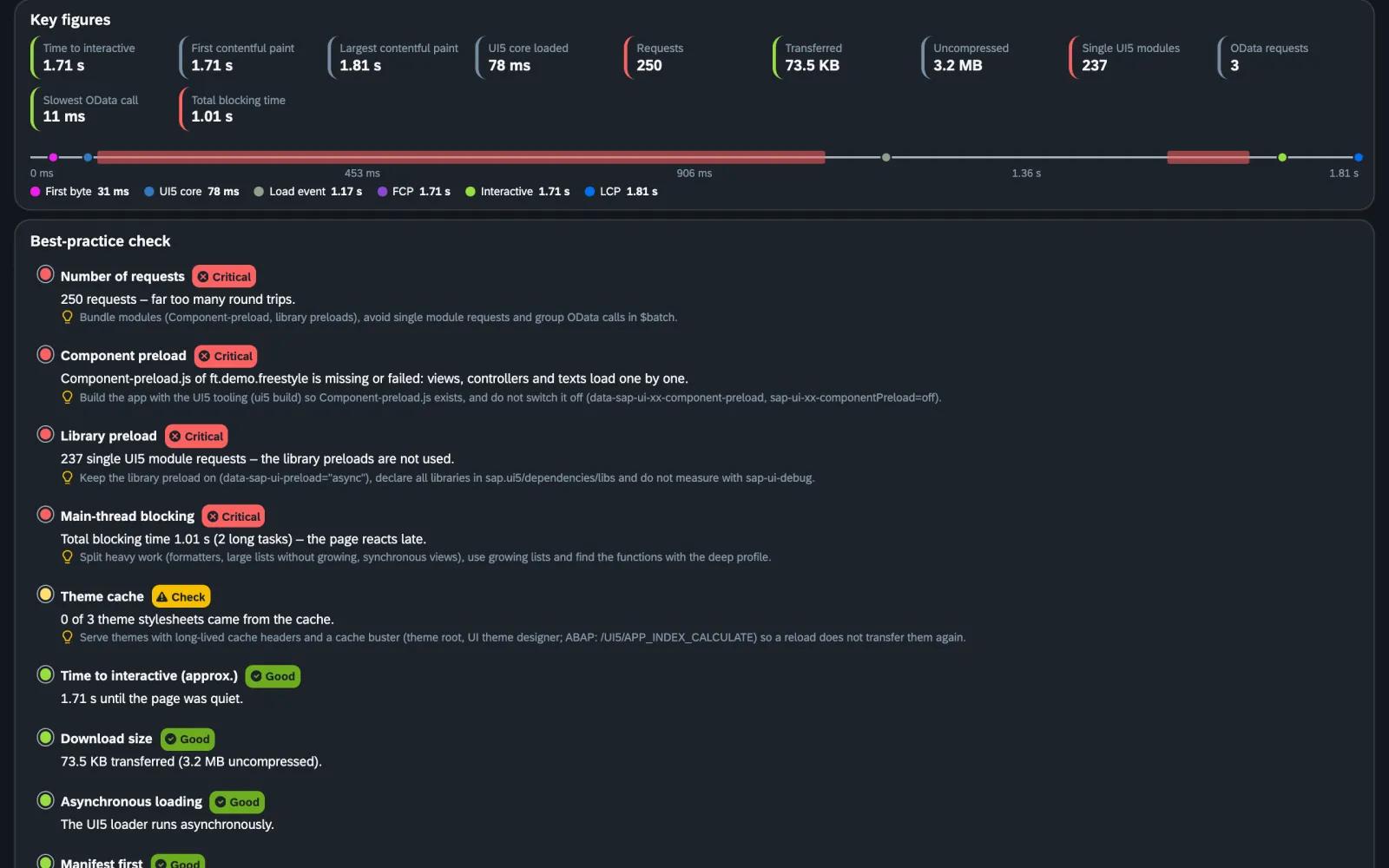
Performance profiler: metrics with a timeline and best-practice check with a recommendation per findingPerformance profiler: metrics with a timeline and best-practice check with a recommendation per finding
Performance · Pro

Why does the app take eight seconds?

The performance profiler measures the start and tells you what slows it down: a missing component preload, 237 single modules, a theme without cache, a slow OData call. Every finding with a traffic light and a recommendation.

Budgets per app turn that into a rule: “2 budgets exceeded: start time +38 % since version 1.4.0”.

Performance in detail →

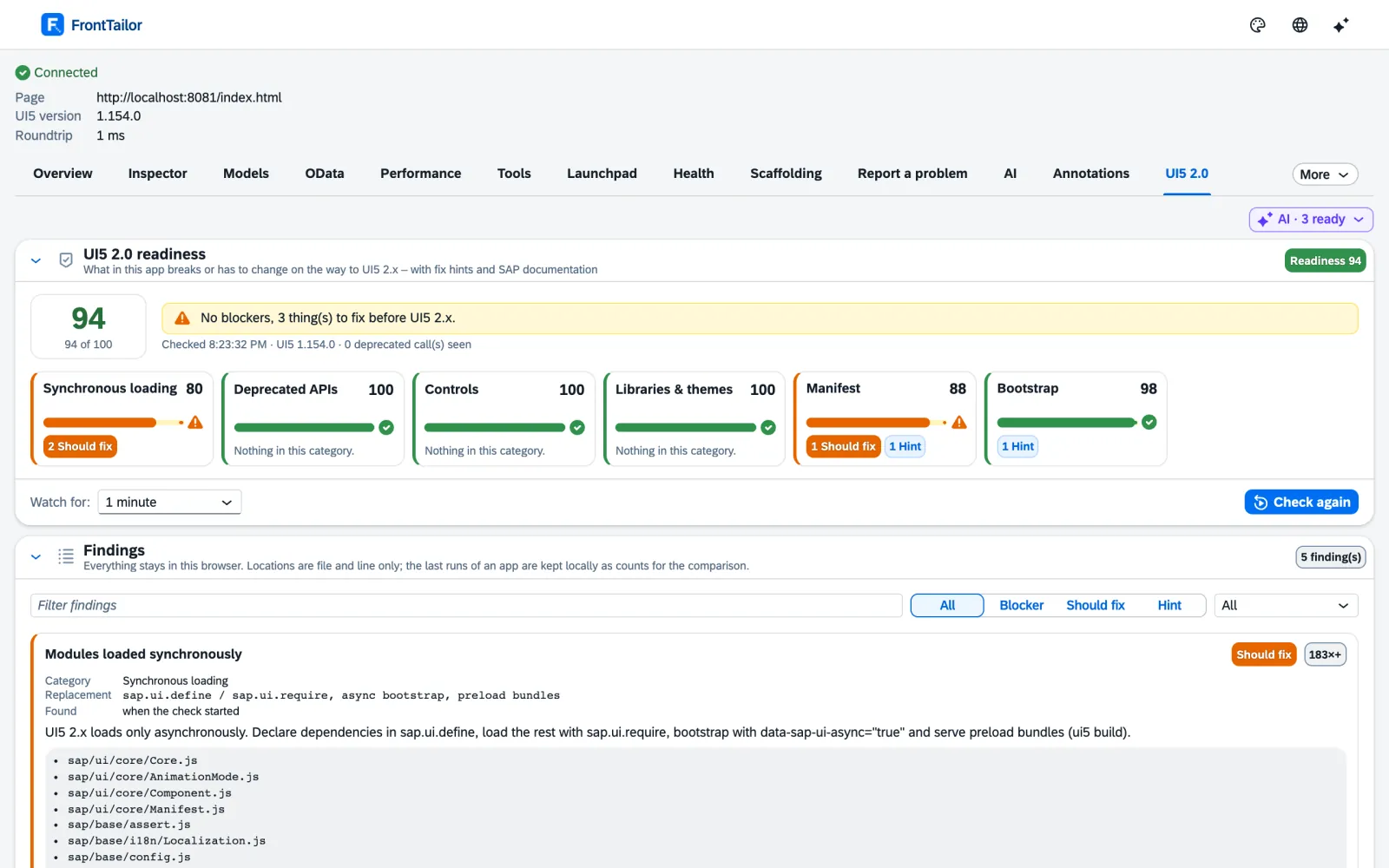
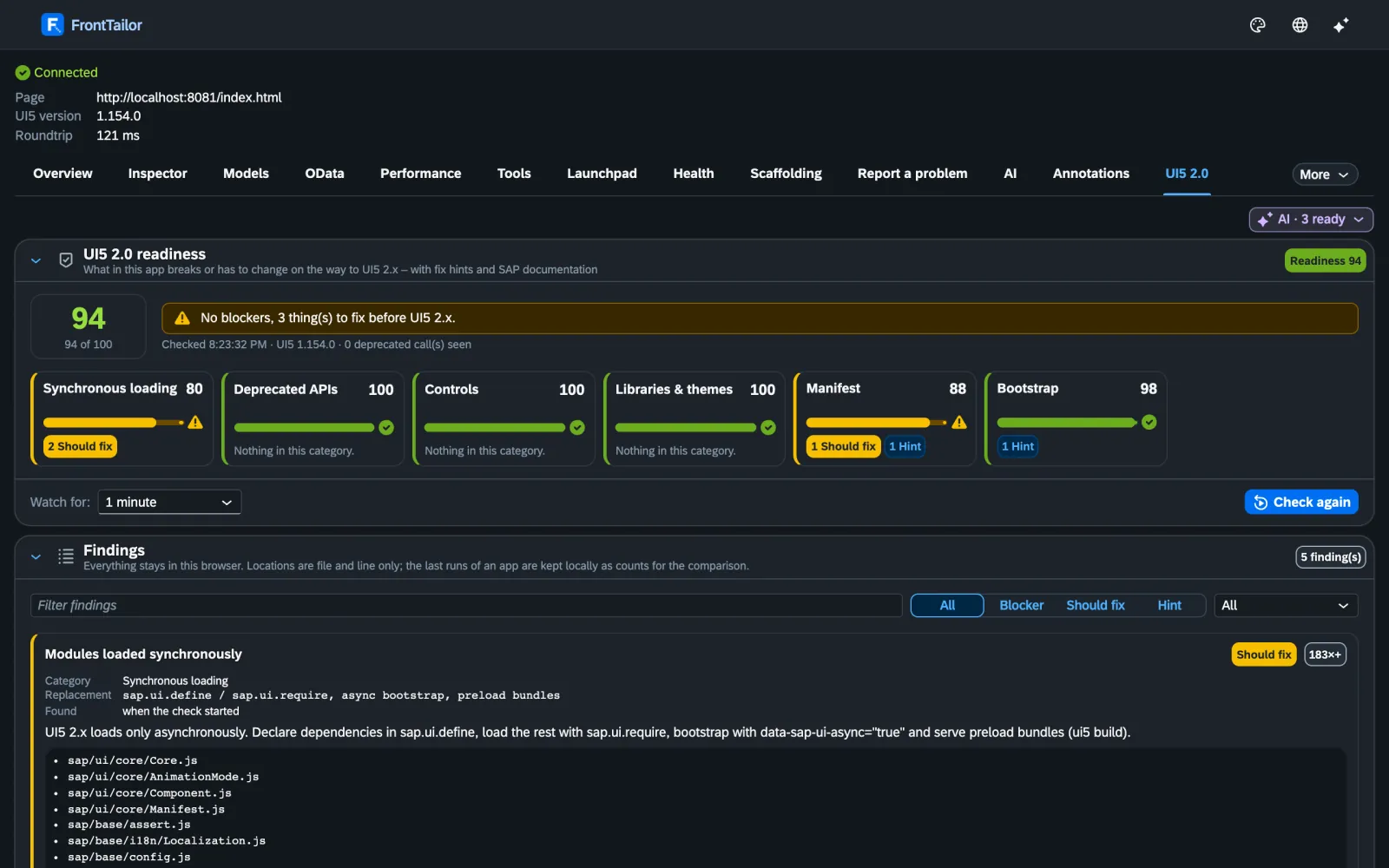
UI5 2.0 readiness check: score and findings with file, line and replacementUI5 2.0 readiness check: score and findings with file, line and replacement
Quality · Community and Pro

What still has to happen before UI5 2.0?

The UI5 2.0 readiness check watches the running app and finds what a static linter cannot see: sap.ui.getCore() at runtime, synchronous loads, deprecated controls – with file, line and replacement.

Plus the library analyzer, the i18n and accessibility check per WCAG 2.2 and a validator for the Fiori design guidelines with 32 rules.

Quality in detail →

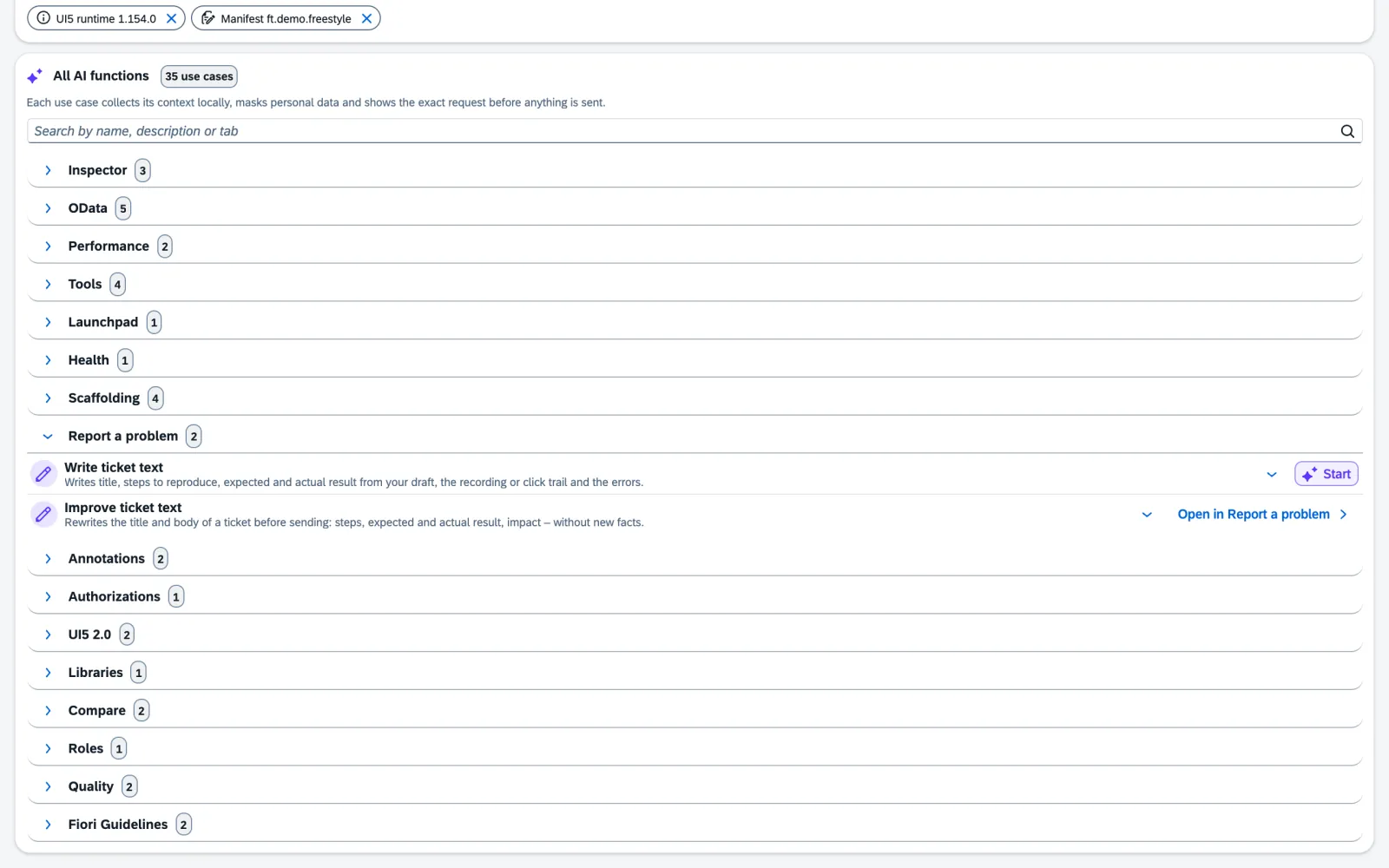
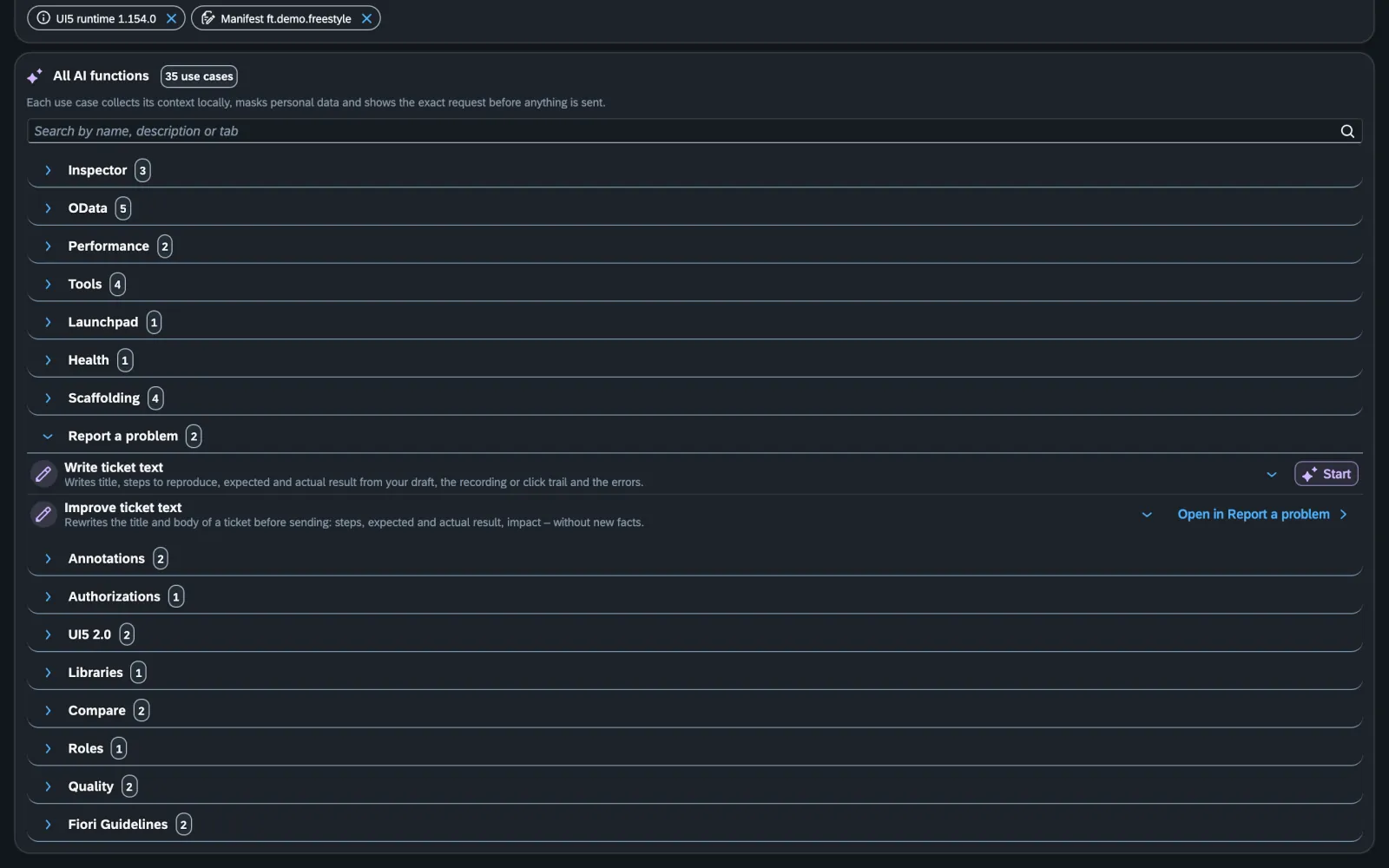
AI assistant: catalogue of use cases with the page’s contextAI assistant: catalogue of use cases with the page’s context
AI · Pro

What does this inner error mean?

The AI assistant knows the context of the page: it explains errors, writes the wdi5 test, reviews the code of the running app. With your own key, straight to your provider, after a preview that shows what is sent. E-mail, phone and IBAN are masked first.

AI in detail →

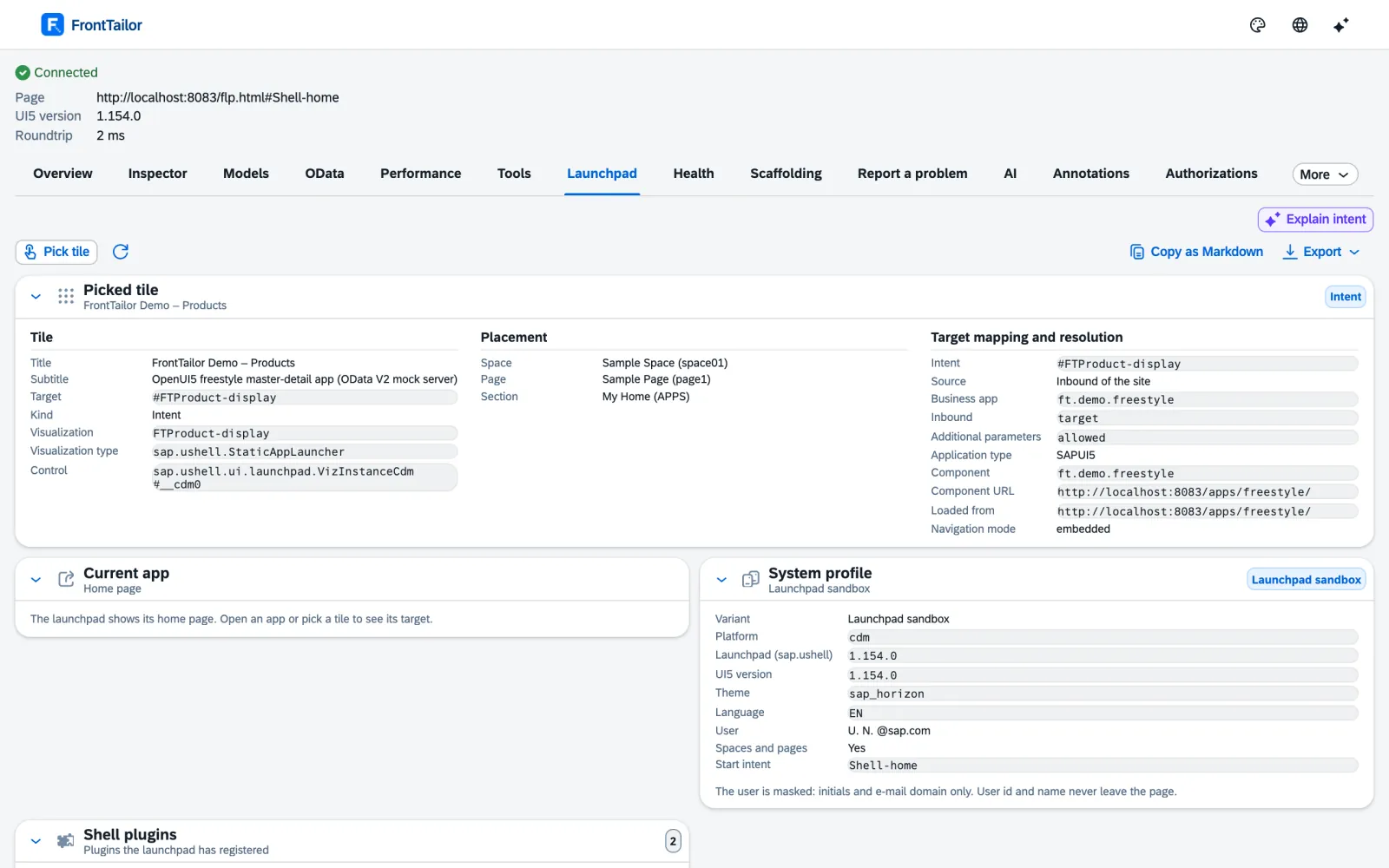
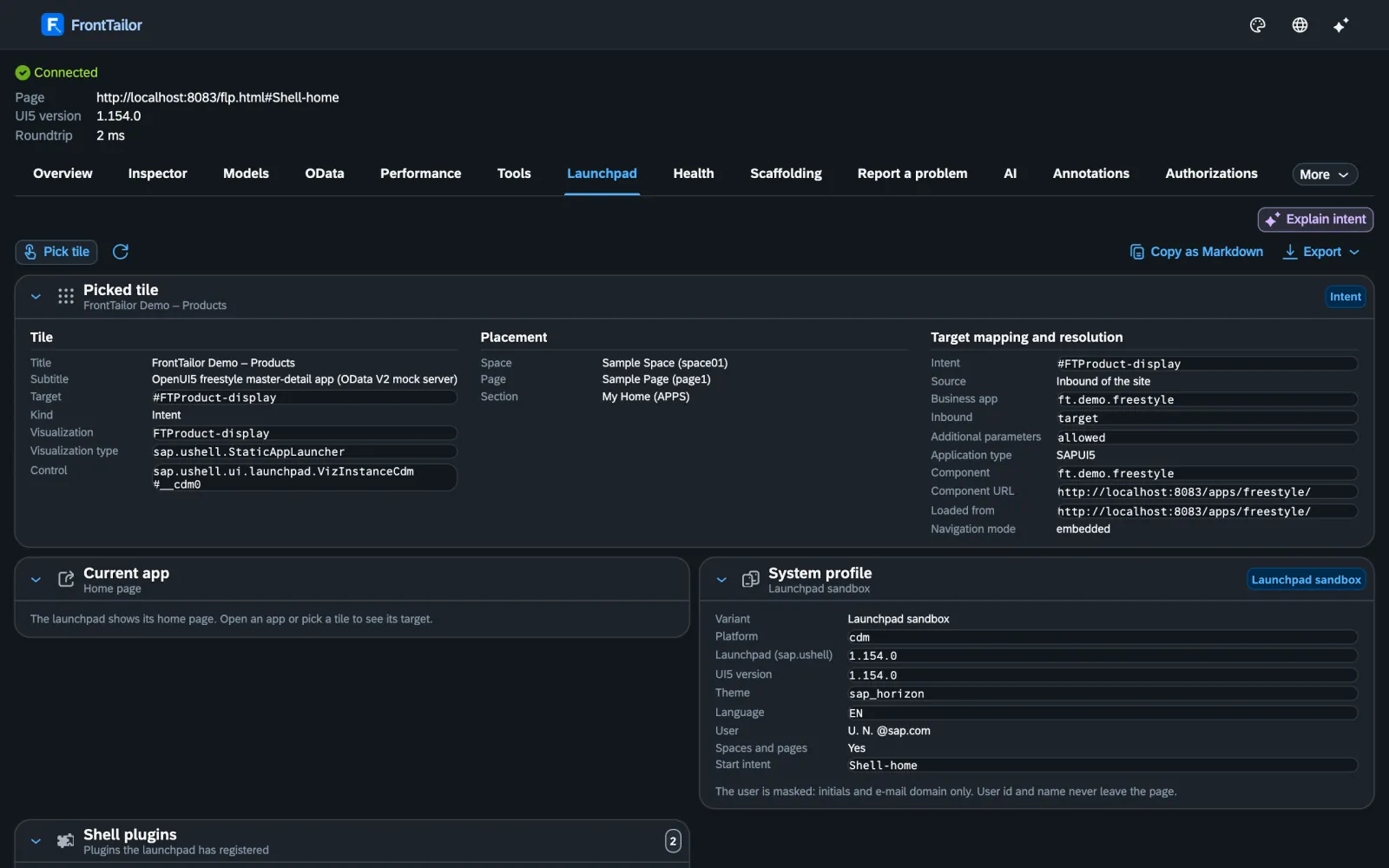
Launchpad inspector: tile with app ID, semantic object, target mapping and catalogueLaunchpad inspector: tile with app ID, semantic object, target mapping and catalogue
Launchpad & operations · Enterprise

Why is the tile missing – and why only on PROD?

The launchpad inspector shows target mapping, space, page and catalogue for every tile. The authorization diagnosis walks the chain down to the start authorization.

The DEV/QA/PROD comparison shows what differs, the release check after a transport gives a traffic light per system, and the morning check opens your key apps on click.

Operations in detail →

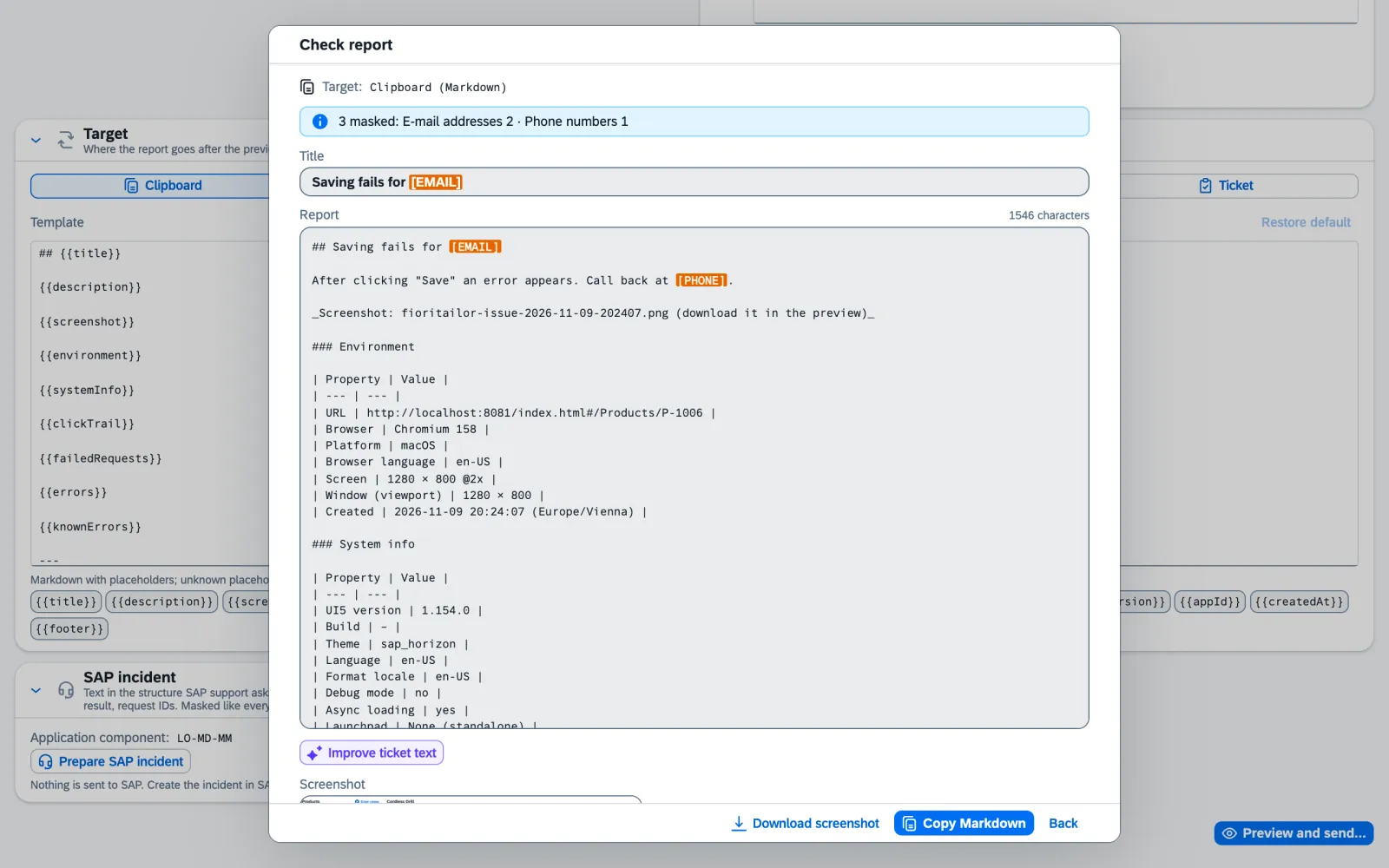
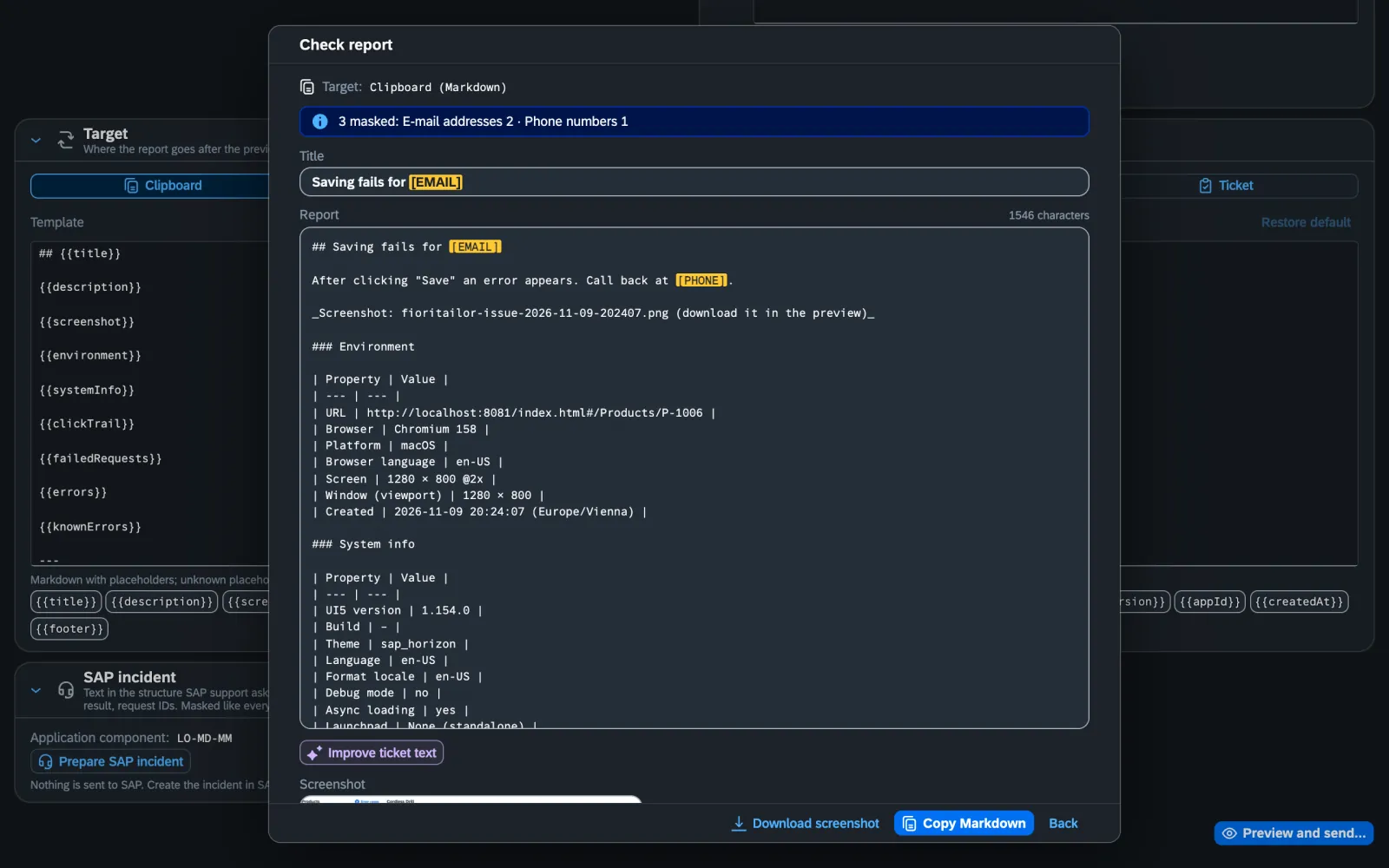
Report a problem: masked preview before sendingReport a problem: masked preview before sending
Test, report, share · Pro and Team

A ticket that can be solved without asking back.

Report a problem packs screenshot, click trail, failed requests and system info into one report – masked, with a preview, off to Jira, GitHub, GitLab or Azure DevOps.

In a team, team sync shares profiles, filters, budgets and known errors – without a server, with a diff before every change.

Test & report in detail →

LOCKED.

When you hunt a bug on PROD, you don’t want to change anything. That is why FrontTailor checks every action that changes something against the host profile in the service worker and locks it on PROD before it reaches the page. When in doubt: locked. The blue markers on this page? Behind each one is a source with the date we checked it.

All sources
Security

No server. No telemetry. Nothing without your click.

A tool that looks into a Fiori app with real data has to explain itself. FrontTailor is built so there is little to explain – and what remains is laid out on the security page.

Security in detail →
  1. Ask first, then read. FrontTailor gets access to an app only after you grant that domain.
  2. No data to CloudDNA. No telemetry, no analytics, no account. The OData log stays local and is deleted with the tab.
  3. Sending only after a click. AI and tickets show in full what goes where – and send straight to your service.
  4. Centrally controlled. Allowed hosts, PROD hosts, modules and AI endpoint via group policy, Intune or Jamf.
Editions

Start free. Pay when it saves time.

Four editions, each includes the ones below. You buy Pro and Team right here; Enterprise comes on request. New installations get all editions for 7 days, then Community applies without a key.

Community

Free. For every developer.

€0forever, no account

For: Individual developers, key users and everyone who wants to understand UI5

  • Control inspector with pick mode and “copy as”
  • Model explorer with snapshot, diff and i18n lookup
  • OData console: $batch split, errors readable, export
  • Cache reset, debug switches, command palette, bookmarks
  • UI5 2.0 readiness check and library analyzer
  • Own known errors with the fix at the error

Install for free

ProMost popular

For everyone who ships Fiori apps.

€29per user and month, or €288 per user and year, excl. VAT

For: Freelancers, project developers, consultancies

  • Everything in Community
  • Performance profiler with traffic light and budgets per app
  • i18n and accessibility check, guidelines validator
  • AI assistant with your own key
  • Report a problem, tickets, prepare an SAP incident
  • Scaffolding, fault simulation, local code in the launchpad
  • Annotation explorer and UI5 2.0 migration report

Buy: Pro

TeamEverything in Pro, plus

Everything in Pro, plus shared standards.

€39per user and month, or €384 per user and year, excl. VAT

For: Development teams and consultancies with shared standards

  • Everything in Pro
  • Team sync without a server: team packages via file or HTTPS
  • Profiles, snippets, filters, replays, budgets and bookmarks for the team
  • Known errors with the fix for everyone
  • Diff before every change, optionally signed

Buy: Team

EnterpriseEverything in Team, plus

Everything in Team, plus operations and corporate IT.

from €39 per user and month, minimum 25 users, or an annual licence per system

For: Basis and operations teams, large SAP customers, hosting partners

  • Everything in Team
  • Launchpad inspector and authorization diagnosis
  • DEV/QA/PROD system comparison, release check after transport
  • Morning check, health and synthetic check
  • Jump to the backend, ServiceNow, optional backend service
  • Admin policies, sideloading, SSO, support SLA

Request a quote

All features compared across editions → · All prices net plus VAT.

Install · version 1.0.0

Two minutes to the first finding.

Community is free and needs no account. FrontTailor runs in Chrome and Edge 137 or later; a Firefox build is prepared.

Store listing coming The Chrome Web Store listing is on its way. Until then you can get version 1.0.0 on request as a package to load – with a 7-day trial of all editions, then Community.

  1. Installin Chrome or Edge, Community without an account.
  2. Grant the domainopen the Fiori app; FrontTailor asks once whether it may activate here.
  3. Open the panelin DevTools (F12) or as a side panel from the icon.
  4. Read the findingAlt+Shift+F and click a field – or open the red request in the OData console.
To be honest

When FrontTailor will not help you.

A checking tool that only knows its advantages hasn’t checked itself. Here is our list.

  • You want round-the-clock monitoring.FrontTailor runs in the browser and only when you click. The morning check does not replace background monitoring – it makes the round after a transport faster.
  • The bug sits deep in ABAP.FrontTailor shows which request fails and with which text, and jumps with the transaction ID into the error log or ST22. The debugging happens in the backend.
  • You need a long-proven tool.FrontTailor is young: 1.0.0 is the first version after the beta. Several AI providers have so far only been tested against mocks, the guidelines rules on demo apps, and the optional ABAP add-on not yet on a real SAP system.
  • Your IT does not allow an extension that runs on all pages.Chrome shows “Read and change all your data on all websites” at install. Why, and how to limit it to your hosts by policy, is on the security page.
Tool, knowledge, people

A panel, the books behind it – and the team behind both.

FrontTailor answers the question on the running app. If you want to understand why, you can read up on it. And if you need help fixing it, you get it from the same people.

01 · TOOL

The panel

Which control, which request, which annotation, what is missing for UI5 2.0 – right on the app, locally in the browser. Community is free; you buy Pro and Team right here.

All features →
02 · KNOWLEDGE

The books

SAPUI5, SAP Fiori elements, full-stack development, Git and SAP, SAP BTP: 16 titles at SAP PRESS by Martin Koch and co-authors.

All books by topic →
03 · PEOPLE

Workshops, consulting, development

Onboarding for your team, hands-on workshops on SAPUI5 and Fiori elements, consulting on UI5 2.0, performance and the launchpad, custom Fiori and CAP apps – from CloudDNA, where the authors work.

See services →
The whole shelf at SAP PRESS

Eleven works, from UI5 to SAP BTP.

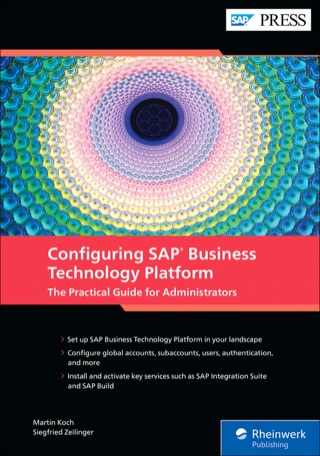
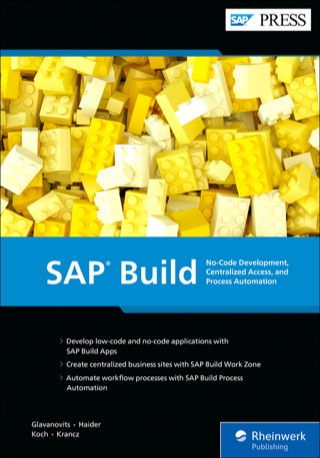
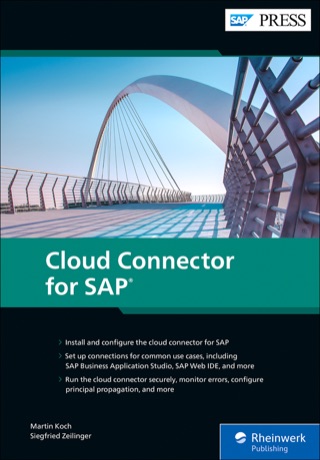
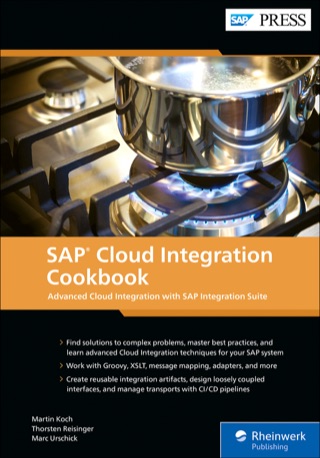
FrontTailor comes from CloudDNA. Besides the books on UI5 and Fiori elements, its founder Martin Koch has written with co-authors on security and administration of SAP BTP, SAP Build, Cloud Connector, Mobile Services and Cloud Integration – 16 titles, many in English and German.

Book recommendation A recommendation in our own interest: Martin Koch, founder of CloudDNA, is author or co-author of these books.

Covers: Rheinwerk Verlag (SAP PRESS). The links go straight to the publisher, without tracking.

All books by topic →

The Tailor family

Fourteen siblings – each for its own craft.

Every Tailor solves a problem we know up close. Most siblings share the Tailor-Plattform with EU data residency and an AI layer. FrontTailor only needs its checkout: the extension itself has no server and works in the browser next to your Fiori app.

Buy directly

FrontTailor

Total, net , excl. VAT

You pay on Stripe. The invoice uses reverse charge if you enter a VAT ID. We send you the licence key by e-mail after payment.

Our terms and licence terms apply.

Sources on this page

The superscript numbers in the text point here. Tap one to see the source right where it is used; all sources of this website are listed on one page.

  1. 1

    Browser extension for Chrome and Edge (Manifest V3) ↑Product · FrontTailor product documentation, manifest (apps/extension/manifest.config.ts) and ADR-014 · checked on 2026-11-09

  2. 2

    No data to CloudDNA ↑Product · FrontTailor product documentation, privacy policy of the extension (docs/datenschutz.md) · checked on 2026-11-09

  3. 3

    Four editions and their modules ↑Product · FrontTailor product documentation, KONZEPT.md, section business model, and ADR-014 · checked on 2026-11-09

  4. 4

    UI5 1.71 to 2.x, SAPUI5 and OpenUI5 ↑Product · FrontTailor product documentation, ADR-002 “UI5 adapter” · checked on 2026-11-09

  5. 5

    PROD lock in the background, fail closed ↑Product · FrontTailor product documentation, ADR-004 “Feature modules” · checked on 2026-11-09

  6. 6

    16 titles by Martin Koch at SAP PRESS ↑Vendor · Rheinwerk Verlag (SAP PRESS), search “martin koch” · checked on 2026-11-05

  7. 7

    Access only after granting per domain ↑Product · FrontTailor product documentation, ADR-001 “Layered model and messaging” · checked on 2026-11-09

  8. 8

    System info without setup ↑Product · FrontTailor product documentation, README and store text (docs/store-listing.md) · checked on 2026-11-09

  9. 9

    Traffic-light badge and host profiles ↑Product · FrontTailor product documentation, ADR-003 “Traffic light, session errors, profiles” · checked on 2026-11-09

  10. 10

    Control inspector with pick mode and “copy as” ↑Product · FrontTailor product documentation, ADR-005 “Control inspector” · checked on 2026-11-09

  11. 11

    Model explorer with snapshot, diff and i18n lookup ↑Product · FrontTailor product documentation, ADR-006 “Model explorer” · checked on 2026-11-09

  12. 12

    OData console for V2 and V4 ↑Product · FrontTailor product documentation, ADR-007 “OData console” · checked on 2026-11-09

  13. 13

    Jump from the request to the control ↑Product · FrontTailor product documentation, ADR-010 “Jump to control” · checked on 2026-11-09

  14. 14

    OData fault simulation ↑Product · FrontTailor product documentation, ADR-037 “Fault simulation” · checked on 2026-11-09

  15. 15

    Performance profiler with traffic light ↑Product · FrontTailor product documentation, ADR-016 “Performance profiler” · checked on 2026-11-09

  16. 16

    Performance budgets per app ↑Product · FrontTailor product documentation, ADR-044 “Performance budgets” · checked on 2026-11-09

  17. 17

    UI5 2.0 readiness check ↑Product · FrontTailor product documentation, ADR-027 “UI5 2.0 readiness” · checked on 2026-11-09

  18. 18

    Library analyzer ↑Product · FrontTailor product documentation, ADR-034 “Library analyzer” · checked on 2026-11-09

  19. 19

    i18n and accessibility check ↑Product · FrontTailor product documentation, ADR-033 “i18n and accessibility” · checked on 2026-11-09

  20. 20

    Fiori design guidelines validator ↑Product · FrontTailor product documentation, ADR-035 “Fiori guidelines validator” · checked on 2026-11-09

  21. 21

    AI assistant with your own key ↑Product · FrontTailor product documentation, ADR-018 “AI assistant (BYOK)” · checked on 2026-11-09

  22. 22

    AI key only local and encrypted ↑Product · FrontTailor product documentation, ADR-018 “AI assistant (BYOK), addendum” · checked on 2026-11-09

  23. 23

    Masking of personal data before sending ↑Product · FrontTailor product documentation, store text (docs/store-listing.md) and ADR-018 · checked on 2026-11-09

  24. 24

    Launchpad inspector ↑Product · FrontTailor product documentation, ADR-022 “Launchpad inspector” · checked on 2026-11-09

  25. 25

    Authorization diagnosis and tile check chain ↑Product · FrontTailor product documentation, ADR-025 “Authorization diagnosis” · checked on 2026-11-09

  26. 26

    System comparison DEV/QA/PROD ↑Product · FrontTailor product documentation, ADR-030 “System comparison” · checked on 2026-11-09

  27. 27

    Release check after transport ↑Product · FrontTailor product documentation, ADR-042 “Release check after transport” · checked on 2026-11-09

  28. 28

    Morning check across several apps ↑Product · FrontTailor product documentation, ADR-043 “Morning check” · checked on 2026-11-09

  29. 29

    Report a problem with a masked report ↑Product · FrontTailor product documentation, ADR-017 “Issue reporter” · checked on 2026-11-09

  30. 30

    Tickets in Jira, GitHub, GitLab, Azure DevOps and ServiceNow ↑Product · FrontTailor product documentation, ADR-031 “Ticket integrations” · checked on 2026-11-09

  31. 31

    Team sync without a server ↑Product · FrontTailor product documentation, ADR-021 “Team sync” · checked on 2026-11-09

  32. 32

    Admin policies via managed storage ↑Product · FrontTailor product documentation, policy schema (apps/extension/public/managed-schema.json) and ADR-013 · checked on 2026-11-09

  33. 33

    Licence check on: 7-day trial, then Community ↑Product · FrontTailor product documentation, ADR-014 “Module registry and licence” · checked on 2026-11-10

  34. 34

    Edition prices ↑Vendor · Decision of the CloudDNA product owner of 9 November 2026 · checked on 2026-11-09

  35. 35

    Firefox build prepared ↑Product · FrontTailor product documentation, ADR-026 “Firefox build” · checked on 2026-11-09

  36. 36

    Jump to the backend and SAP incident ↑Product · FrontTailor product documentation, ADR-041 “Backend jump and SAP incident” · checked on 2026-11-09

  37. 37

    Optional backend service (ABAP add-on) ↑Product · FrontTailor product documentation, ADR-032 “Backend service and role simulator” · checked on 2026-11-09

  38. 38

    CloudDNA: expert team ↑Vendor · clouddna.at, expert team · checked on 2026-11-09

  39. 39

    CloudDNA GmbH – SAP Silver Partner ↑Vendor · clouddna.at, start page and team · checked on 2026-11-05

Frequently asked

Short answers.

What is FrontTailor?
FrontTailor is a browser extension for Chrome and Edge that explains any running SAP Fiori® and UI5 app: controls and bindings, models, OData requests with readable errors, load time, UI5 2.0 readiness, accessibility and, for operations, launchpad, authorizations and transports. It works locally in the browser. The vendor is CloudDNA GmbH from Austria; FrontTailor is not a product of SAP SE.
Is there a UI5 inspector as a Chrome extension?
Yes. FrontTailor’s control inspector shows the control tree, properties, aggregations, bindings and contexts of a UI5 app in Chrome DevTools and in the side panel, also inside the launchpad and in iframes. Press Alt+Shift+F and click a field; “copy as” gives you a selector for OPA5, wdi5 or Playwright. The inspector is part of the free community edition.
How do I debug OData errors in a Fiori app?
FrontTailor’s OData console records the app’s requests, splits $batch into its parts and shows the error text from Gateway, RAP or CAP in readable form instead of as a multipart body. A link opens the gateway error log /IWFND/ERROR_LOG, and one click takes you from the request to the bound control. Exports as cURL, .http, Postman or HAR contain no tokens.
How do I check whether my app is ready for UI5 2.0?
FrontTailor’s UI5 2.0 readiness check watches the running app and reports APIs that are removed in UI5 2.x – such as sap.ui.getCore(), jQuery.sap, synchronous loading, deprecated controls and themes – each with file, line, replacement and a link to the SAP documentation, plus a score. It adds what only happens at runtime to the static UI5 linter. The check is free; the migration report with effort is Pro.
How do I analyse errors in the Fiori launchpad, such as a missing tile?
The launchpad inspector shows app ID, semantic object, target mapping, space, page and catalogue for a tile without opening the app. The authorization diagnosis walks the chain launchpad, catalogue, role, target mapping, start authorization, tile and OData service with a traffic light per stage and links to SU53 and the error log. Both are part of Enterprise.
Why does the app work on QA but not on PROD?
FrontTailor’s system comparison takes a snapshot from metadata per system – app and UI5 version, libraries, cache buster, flex changes, $metadata, manifest, target mapping – and shows the differences. The release check after a transport gives a traffic light per system and the next step for every red finding. It reads no business data. Part of Enterprise.
How much does FrontTailor cost?
Community is free and needs no account. Pro costs €29 per user and month, or €288 per user and year, excl. VAT Team costs €39 per user and month, or €384 per user and year, excl. VAT You buy both directly on the editions page. Enterprise is available from €39 per user and month, minimum 25 users, or an annual licence per system, on request. Every new installation gets all editions for 7 days to try them; after that Community applies until you enter a licence key.
Does CloudDNA see my data?
No. FrontTailor works locally in the browser, has no telemetry and sends nothing to CloudDNA. Only two features send anything at all, and both only after a full preview and your click: the AI assistant straight to your own provider, and the hand-over to your ticket system.
Can FrontTailor break something on PROD?
Everything that changes something at runtime – editing properties, replaying requests, resetting personalisation, simulating faults, loading local code, swapping the UI5 version – is checked by the service worker against the host profile and refused on PROD before it reaches the page. When in doubt it stays locked. Reading, measuring and reporting work on PROD.
Which browsers and UI5 versions does FrontTailor support?
Google Chrome and Microsoft Edge 137 or later. Supported are SAPUI5 and OpenUI5 from 1.71 to 2.x, freestyle apps, Fiori elements V2 and V4, the launchpad on ABAP and BTP, and standalone apps. A Firefox build is prepared but not yet submitted.
Is there a book on SAPUI5 or SAP Fiori elements?
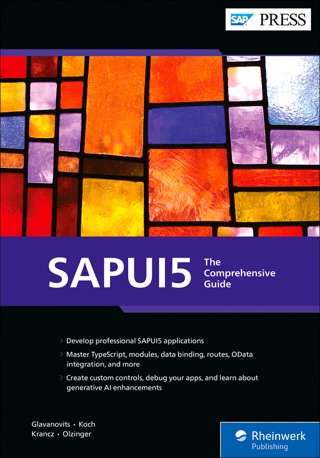
Yes, from the people behind FrontTailor: “SAPUI5 – The Comprehensive Guide” (English, ISBN 9781493226603) and “SAP Fiori Elements” (English, ISBN 9781493223732; German, ISBN 9783367113231) by Rene Glavanovits, Martin Koch, Daniel Krancz and Maximilian Olzinger, published by SAP PRESS at Rheinwerk Verlag. All titles are on the “Books” page.

Your question isn’t here? Talk to me: +43 664 1964199 office@clouddna.at Get in touch

Contact

Ten tabs too many? Talk to us.

You buy Pro and Team right here. For Enterprise, sideloading, policies, a workshop or a stubborn bug in your Fiori landscape: write to me. I reply within one working day, personally.

Martin KochManaging Director, CloudDNAI read every request myself and reply personally.